Operating the Monitor | 29
Operating the Monitor
Power On the Monitor
Press the Power button to turn on the monitor.
Using the Front-Panel Controls
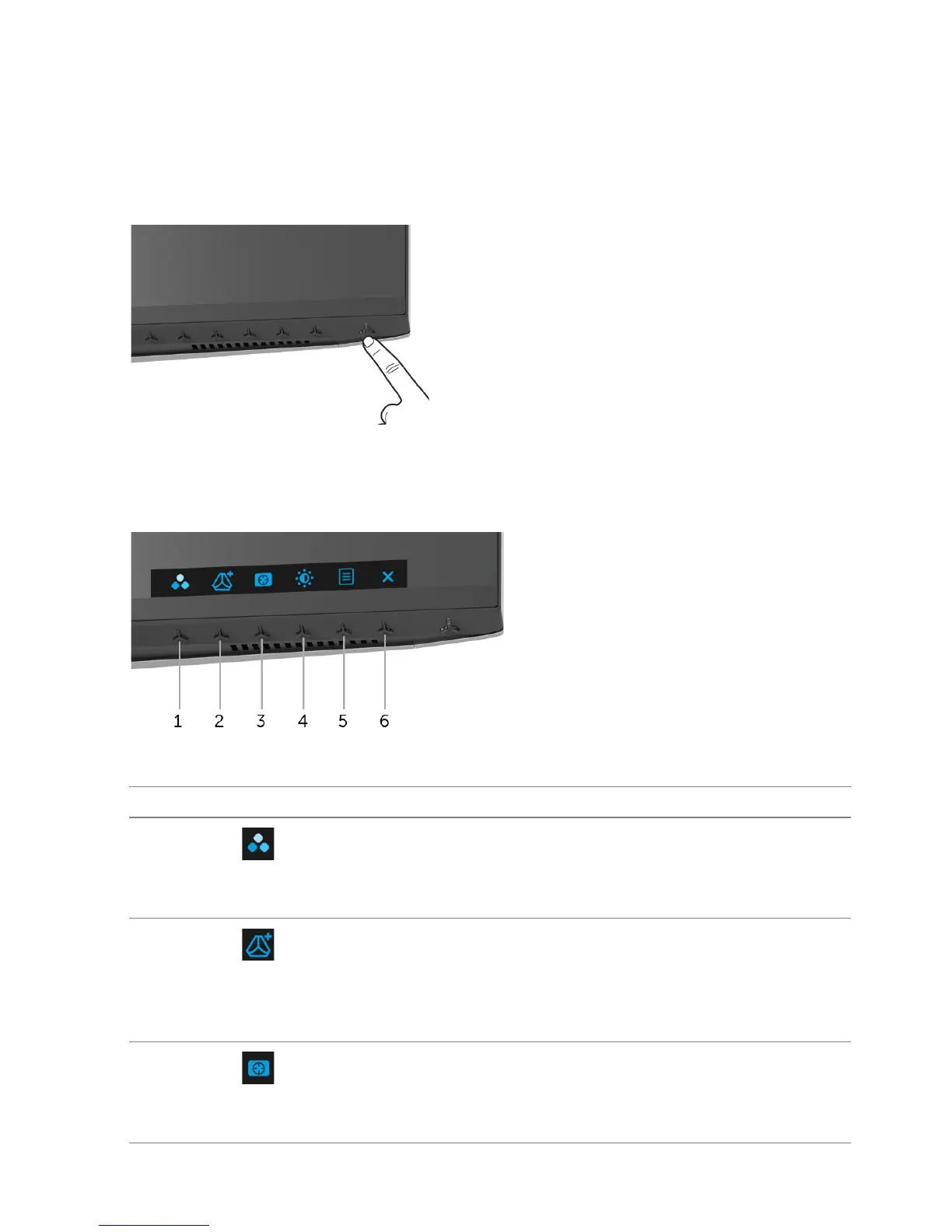
Use the control buttons on the front of the monitor to adjust settings.
The following table describes the front-panel buttons:
Front-Panel Button Description
1
Shortcut key/
Preset Modes
Use this button to choose from a
list of preset color modes.
2
Shortcut key/
Game Enhance
Mode
Use this button to launch the Game
Enhance Mode menu.
3
Shortcut key/
Dark Stabilizer
Use this button to launch the D
ark Stabilizer menu.















 To Next Page