30 | Operating the Monitor
Front-Panel Button
Use the buttons on the front of the monitor to
adjust the image settings.
Front-Panel Button Description
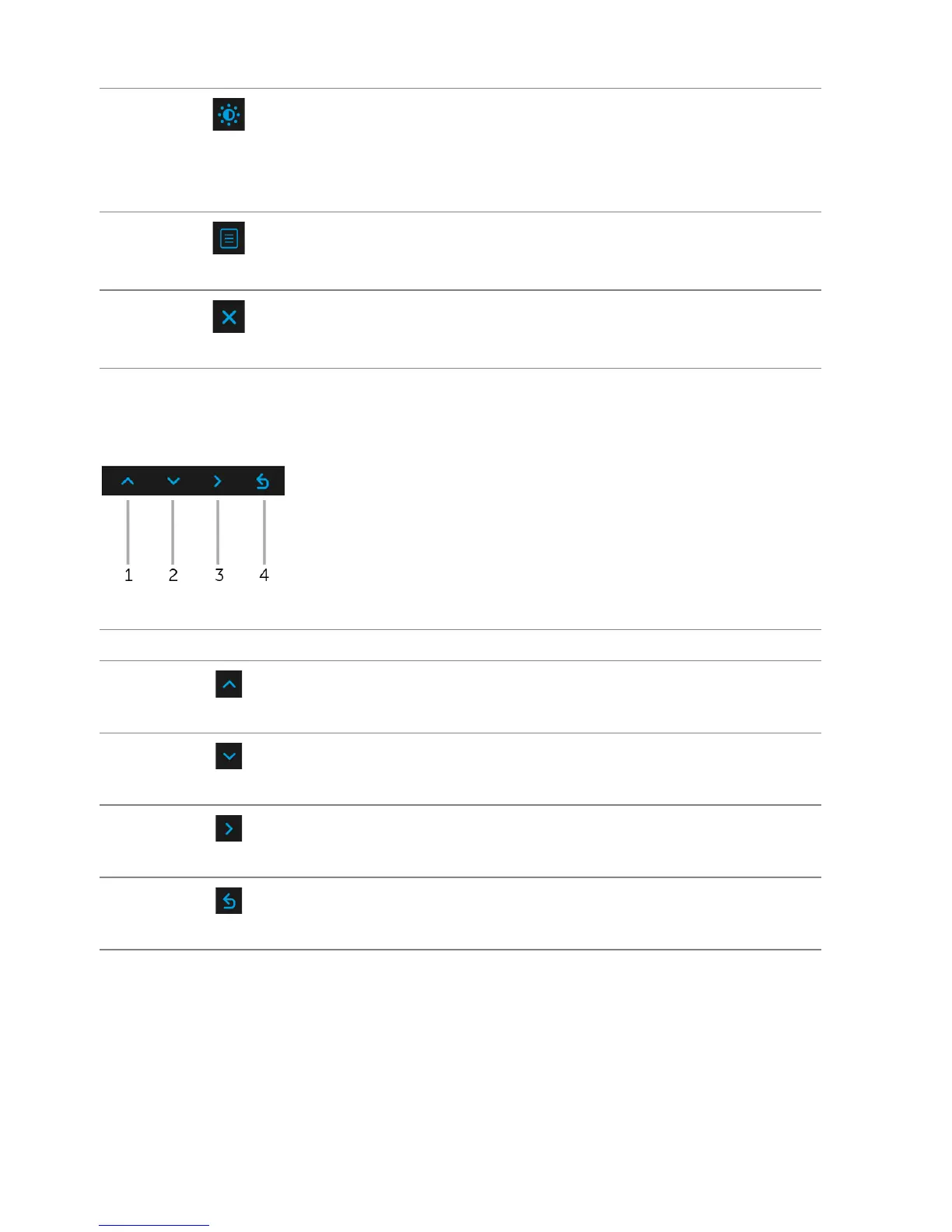
1
Up
Use the Up butto
n to adjust (increase ranges) items in the
OSD menu.
2
Down
Use the Do
wn button to adjust (decrease ranges) items in the
OSD menu.
3
Select
Use the Select button to confirm your selection.
4
Back
Use the Ba
ck button to go back to the previous menu.
4
Shortcut key/
Brightness/
Contrast
Use this button to directly access the Brightness/Contrast
me
nu.
5
Menu
Use the MENU button to launch the On-Screen Display
(OSD). See Accessing the Menu System.
6
Exit
Use this button to exit the OSD main menu.















 To Next Page