46 | Operating the monitor
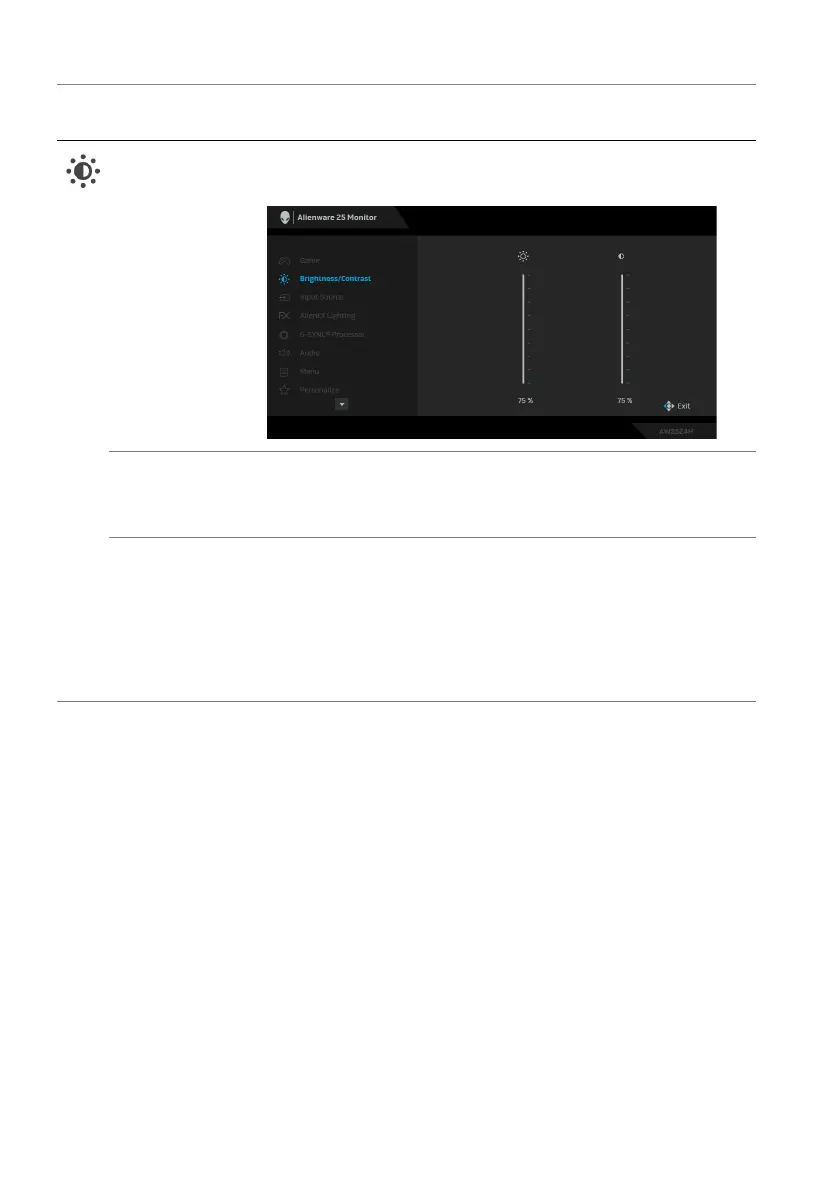
Brightness/
Contrast
Use this menu to activate Brightness/Contrast
adjustment.
Brightness Brightness adjusts the luminance of the backlight.
Move the joystick to adjust the brightness level
(mi
nimum 0/maximum 100).
Contrast Adjust Brightness f
irst, and then adjust Contrast only if
further adjustment is necessary.
Move the joystick to adjust the contrast level (minimum
0/maxi
mum 100).
The Contra
st feature adjusts the degree of difference
between darkness and lightness on the monitor screen.
Icon Menu and
submenu
De
scription















 To Next Page