Operating the monitor | 55
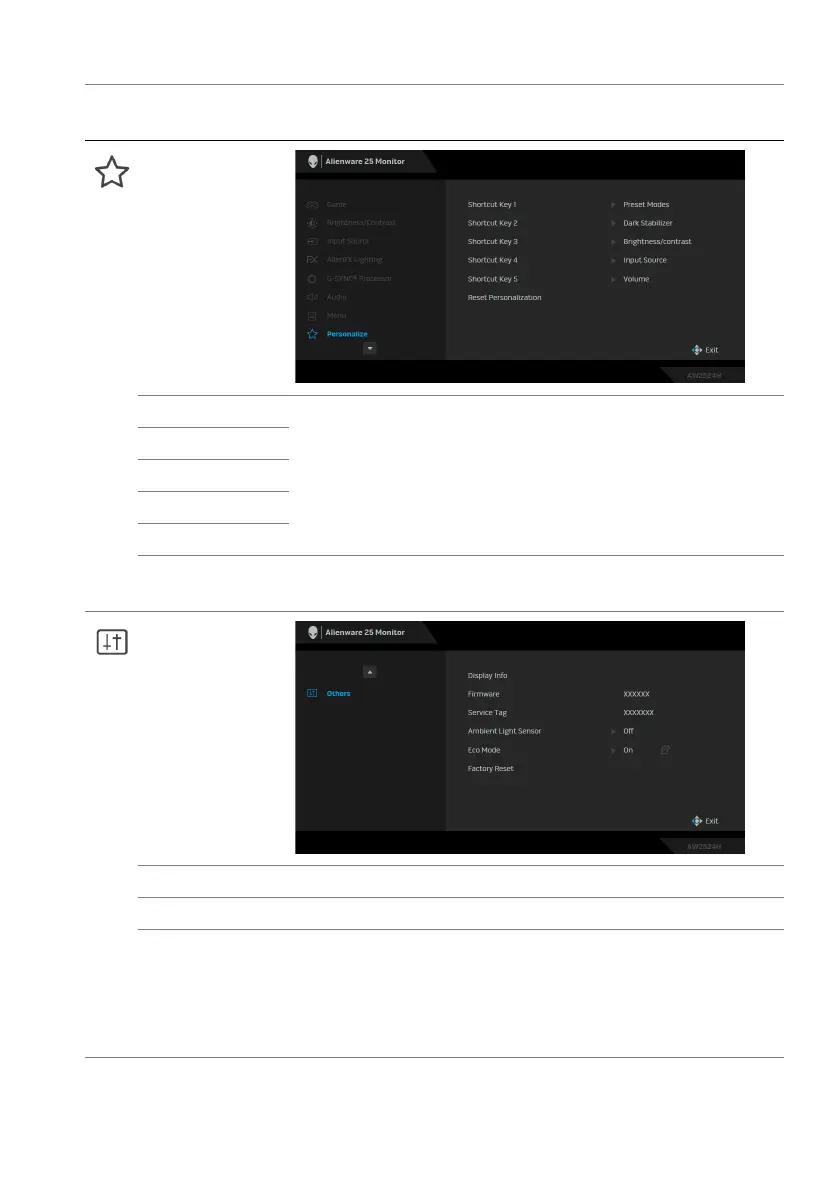
Personalize
Shortcut Key 1 Allows you to choose a feature from the provided list
and set it as a shortcut key. The list includes Preset
Modes, Game Enhance Mode, Dark Stabilizer,
Brightness/Contrast, Input Source, and Volume.
Press the joystick to confirm the selection.
Shortcut Key 2
Shortcut Key 3
Shortcut Key 4
Shortcut Key 5
Reset
Personalization
Resets all settings under the Per
sonalize menu to the
factory defaults.
Others
Display Info Displays the monitor's current settings.
Firmware Displays the firmware version of
your monitor.
Service Tag Displays the Service Tag of your monitor. The Service
Tag is
a unique alphanumeric identifier that is required
when you contact Dell technical support, access
warranty information, search for latest drivers on Dell
support website and so on.
Icon Menu and
submenu
Description















 To Next Page