Operating the monitor | 57
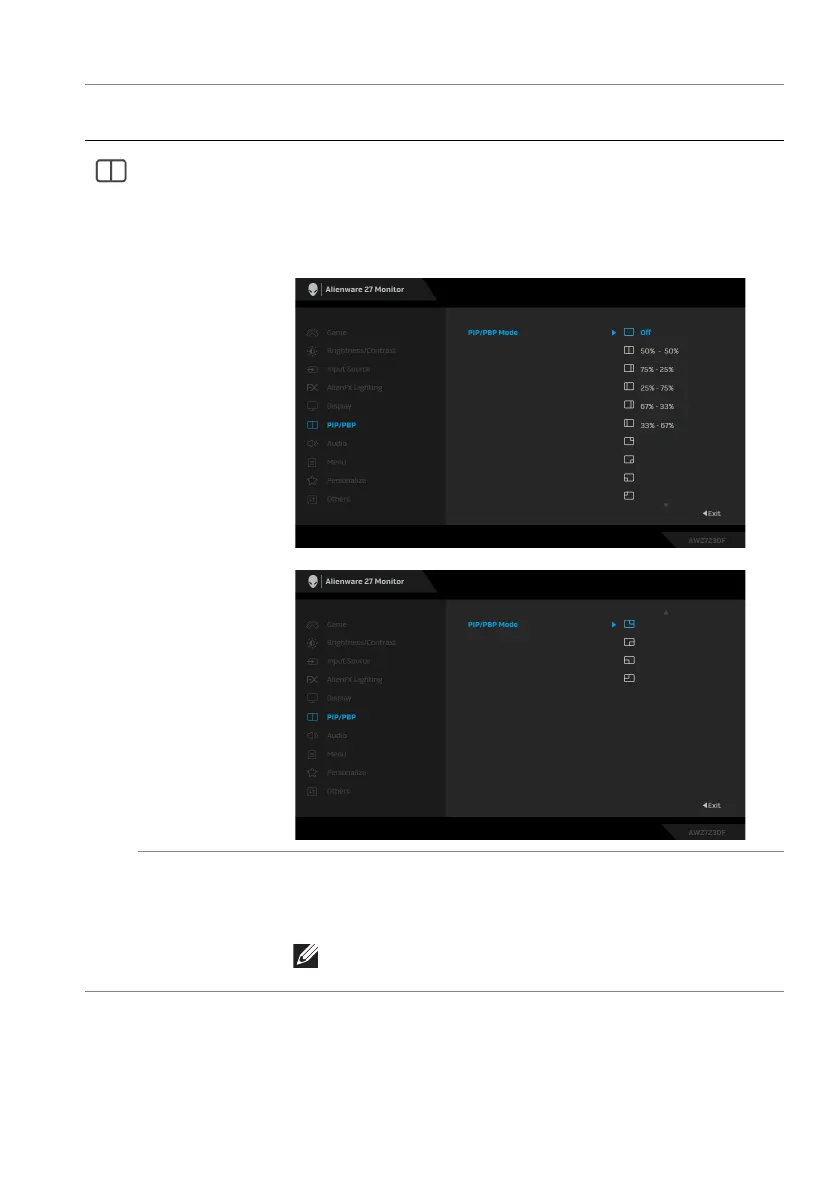
PIP/PBP Mode Allows you to choose a PBP or PIP mode from the
pres
et list, which provides different sizes and positions
of the sub-window. The options are shown in graphic
format, giving a quick understanding of various layout
settings. The default setting is Off.
PIP/PBP (Sub) Select between the different video signals that may be
connected to your monitor for the PIP/PBP sub-
window. Press the joystick to confirm the selection.
NOTE: This option is available only when the PIP/
PBP mode is enabled.
Icon Menu and
submenu
Description















 To Next Page