58 | Operating the monitor
Video Swap Select to swap videos betwee
n main window and sub-
window in PIP/PBP mode. Press the joystick to confirm
the selection.
NOTE: This option is available only when the PIP/
PBP mode is enabled.
Audio Allows you to set the audio source from the main
window or the
sub-window.
NOTE: This option is available only when the PIP/
PBP mode is enabled.
Contrast (Sub) Select to adjust the contrast level of the picture in PIP/
PBP
mode.
Move the joystick to adjust the contrast level from 0 to
100.
NOTE: This option is available only when the PIP/
PBP mode is enabled.
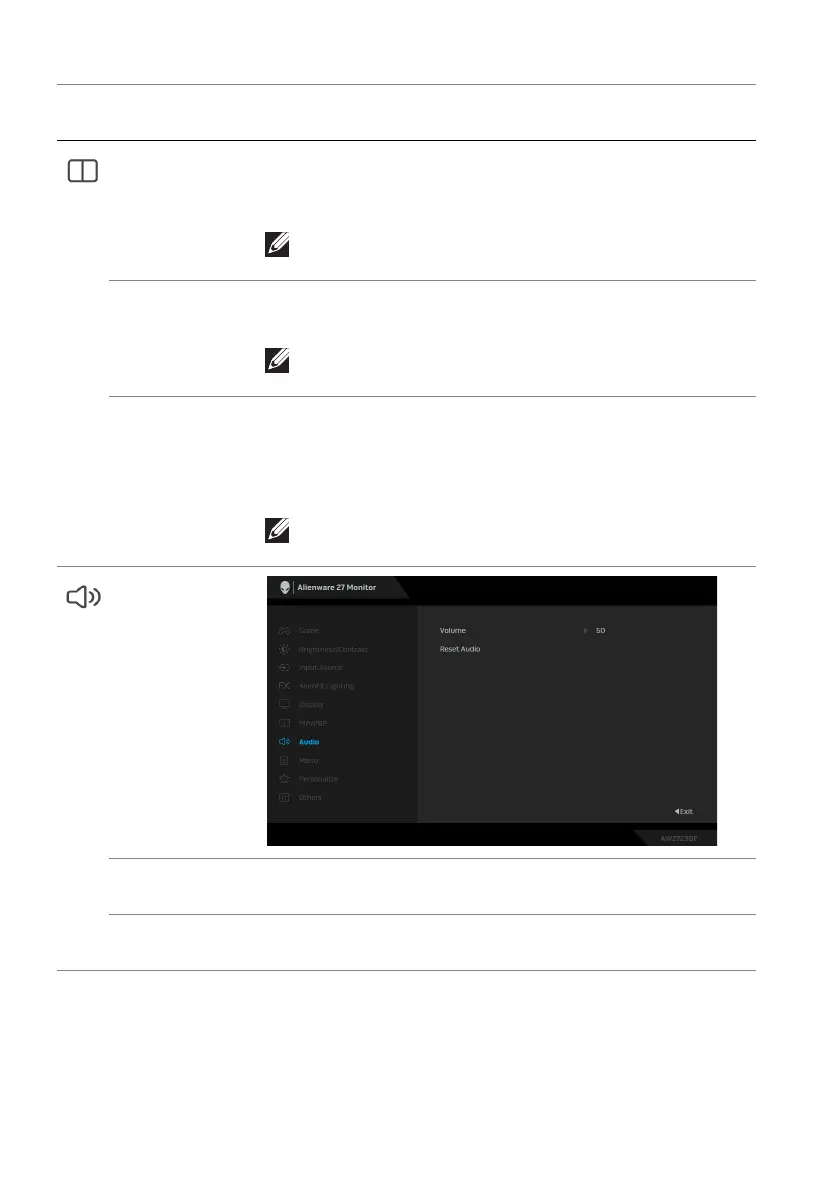
Audio
Volume Move the joystick to adjust the volume level of
headphone output (minimum 0/maximum 100).
Reset Audio Resets all settings under the Audio men
u to the factory
defaults.
Icon Menu and
submenu
De
scription















 To Next Page