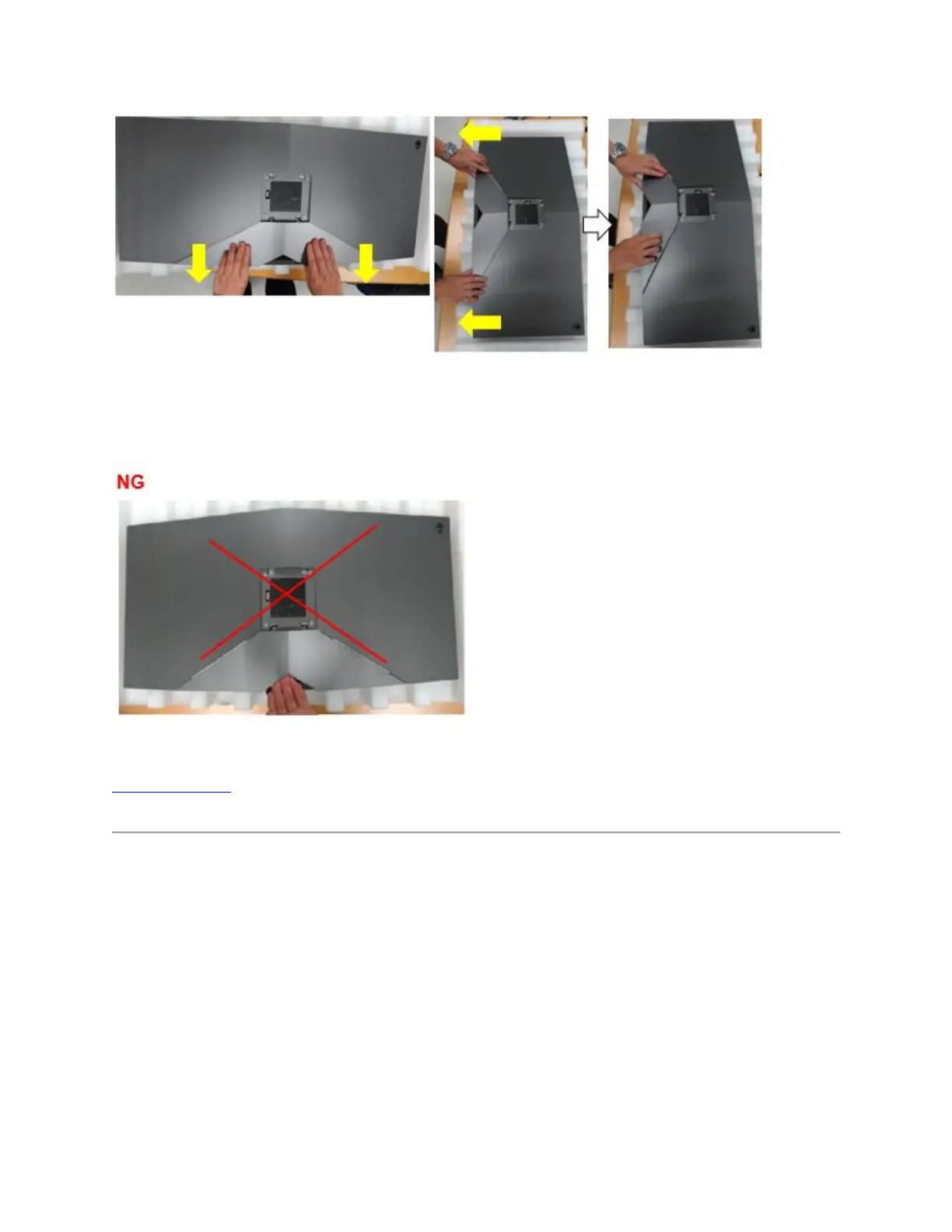
Figure 13. - Cable cover removal
NOTE: Please don't pull cable cover directly. Otherwise, it may cause damage to cable cover
(figure 14.)
Figure 14. - Incorrect cable cover removal
Top of the Page
NVidia G-SYNC setup requirements
The AW3418DW & AW3418HW monitors contain a G-SYNC module for gaming at high
refresh rates. See the hardware requirements below to configure your G-SYNC monitor.
G-SYNC minimum system requirements Desktop:
1. GPU: NVIDIA GeForce GTX 650 Ti BOOST GPU or higher.
2. Driver: R340.52 or higher
3. Operating System: Windows 7/ 8/ 8.1/ 10
4. System Requirement: Must support DisplayPort 1.2 directly from the GPU.















 To Next Page