Top of the Page
Downlight Control
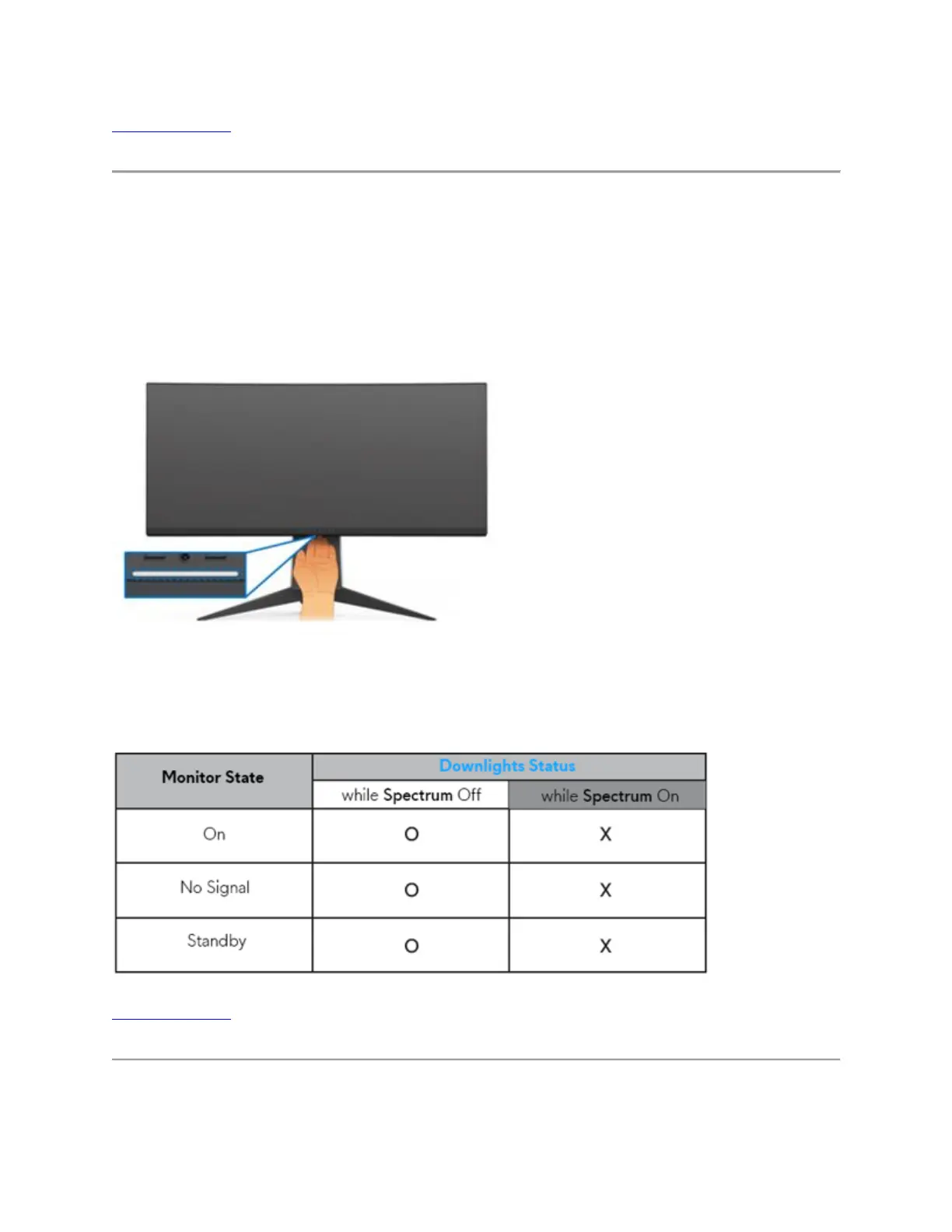
Both AW3418DW & AW3418HW displays have the downlights in the bottom of monitor. You
can tap the touch sensor to turn the downlights on or off.
When the monitor is completely set up, tap the touch sensor to turn the downlights on or off.
(Figure 8.)
Figure 8. - Control for the monitor downlighting
NOTE: The factory setting is on, the downlights are active if the power cable is connected.
NOTE: When the Spectrum function is On, the downlights are turned off.
Top of the Page
Built-in Diagnostic Self-Test (BID)















 To Next Page