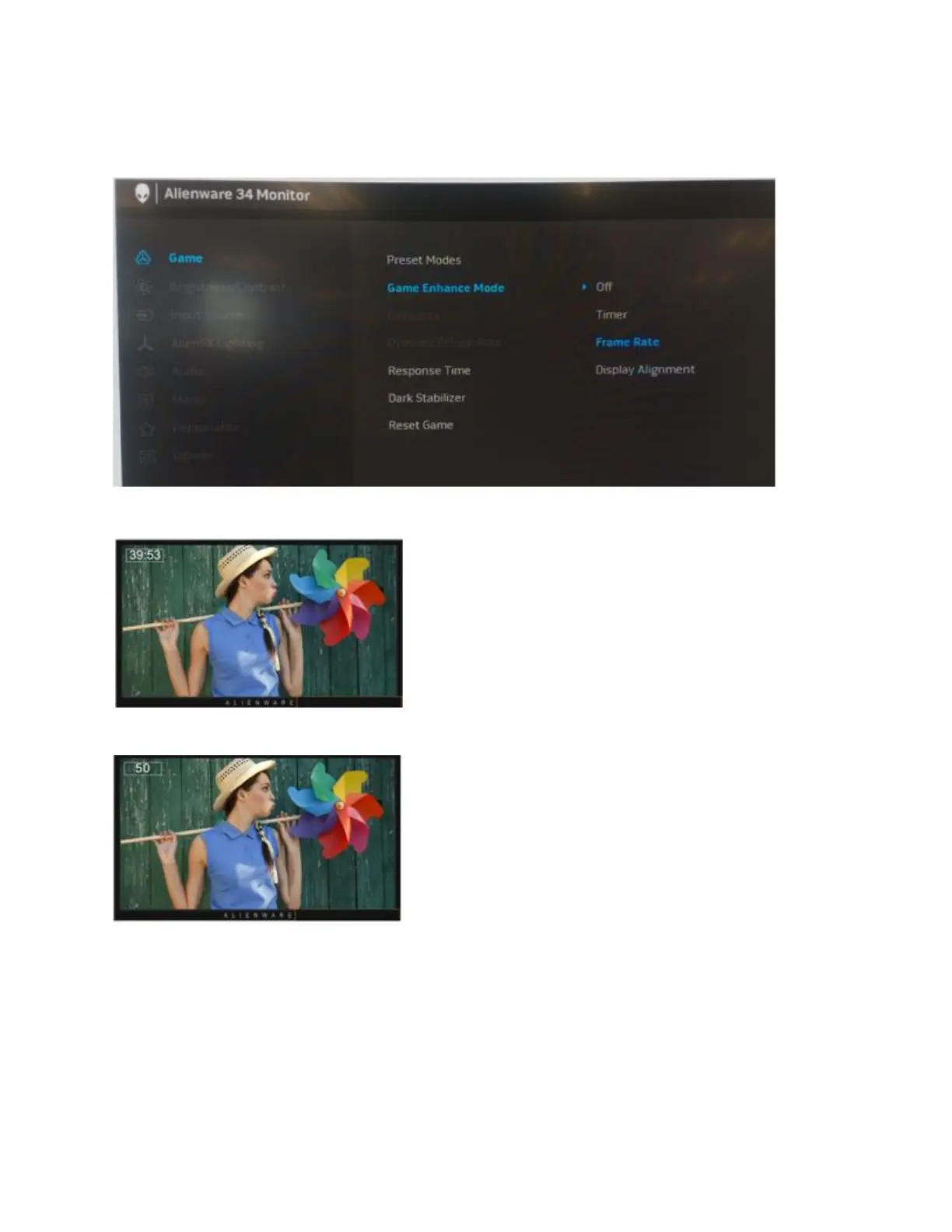
Go to OSD ->Game -> Game Enhance Mode-> Select Timer, Frame Rate or Display
Alignment (Figures 1, 2 & 3.)
Figure 1. - Setting the Game Enhance Mode in the OSD
Figure 2. - Timer selected
Figure 3. - Frame Rate selected
The Display Alignment option allows you display the anchor pattern to accurately align multiple
displays where an image is presented over more than one display.















 To Next Page