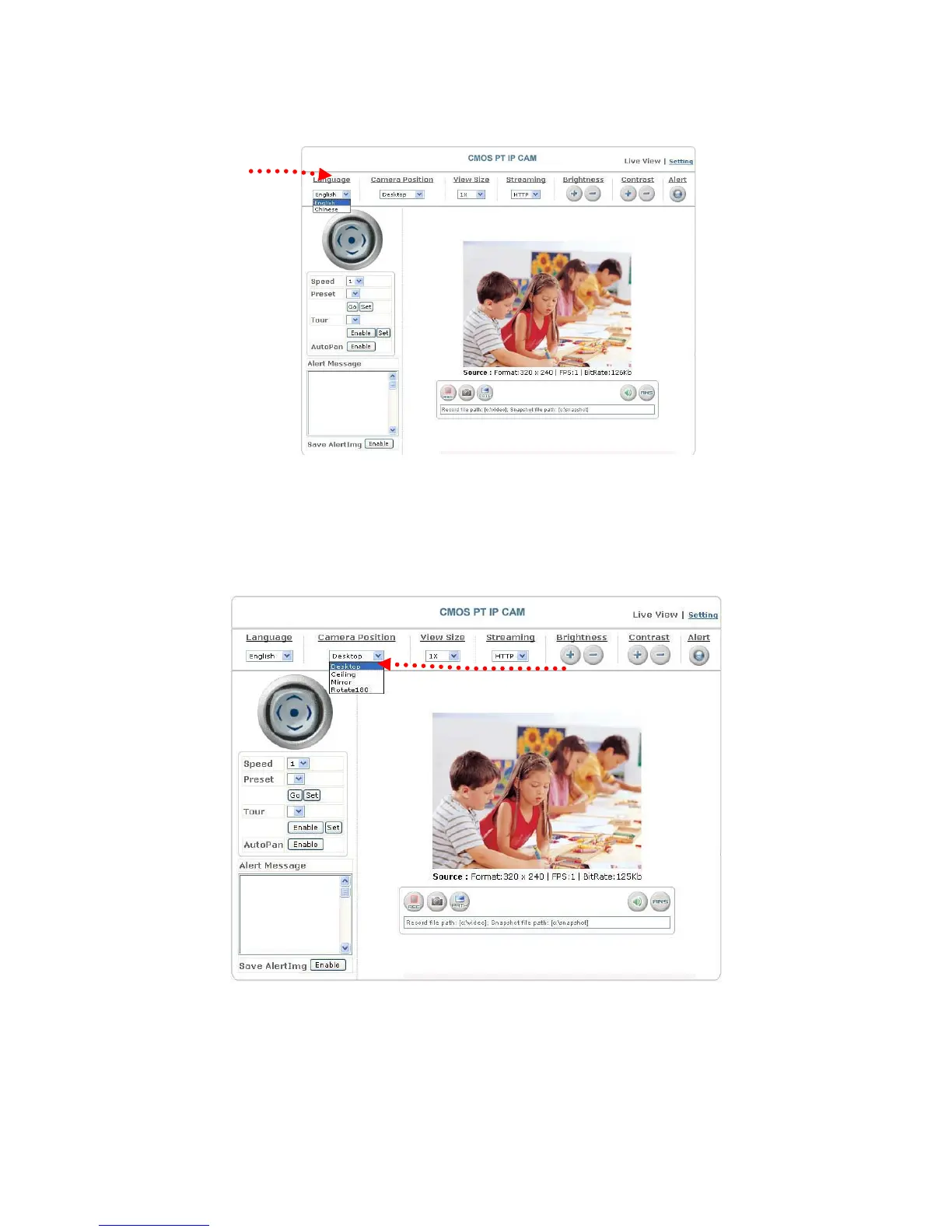
8. Language: selects a UI language
Two languages are available: English and Chinese.
Selects a
language
9. Camera Position: sets the position for display of the image
Desktop: Normal image (display on the desktop; default value)
Ceiling: Upside-down image
Mirror: Mirror image
Rotate 180: Mirrored and upside-down.
Set the position for display of
ima


 To Next Page