SpeedSentry Radar Speed Display - 13
Pole Mount with SLA Battery - Speedsentry 12
Sealed Lead Acid Power for pole mount Speedsentry speed displays
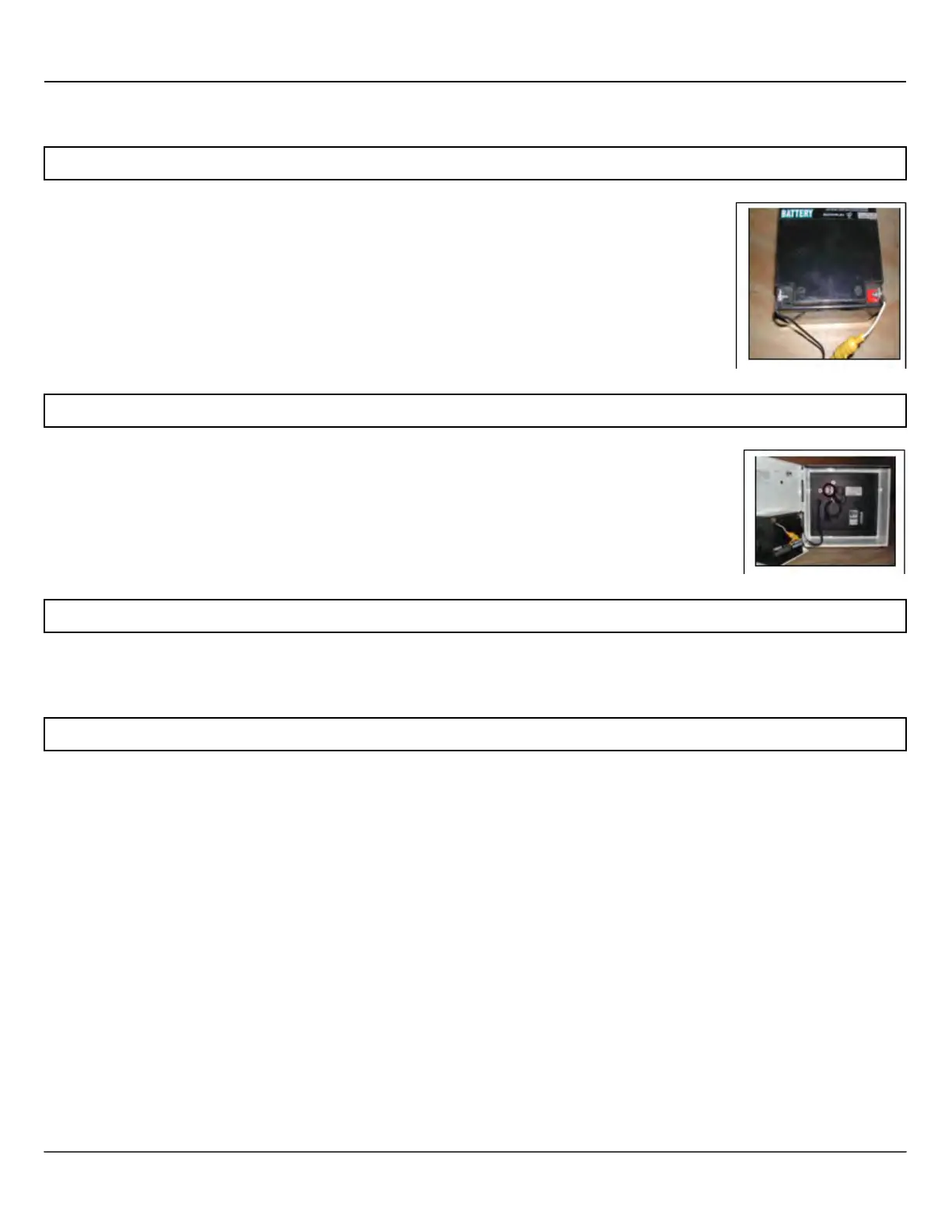
To prepare the battery for installation, first attach the black wire of the battery cable to
the negative (black) terminal. Then attach the red or white wire of the battery cable to
the red (positive) terminal. Do not reverse polarity. The fuse is a 10A, 32V 3AG time
delay. Replace only with a 10A, 32V 3AG time delay fuse.
Install Battery into Speedsentry
Hook up the battery after you secure the unit to the mounting plate. Open the
Speedsentry, place the battery on the shelf, and install the battery bracket. Connect
the battery cable to the receptacle in the unit. The unit will now return to the settings
from the last time the power was removed.
Connect Solar, if applicable
If the unit has solar, install the panel per the step below and connect the solar panel harness to the connector
on the bottom of the unit.
Every time you connect the Speedsentry's battery and press power, the display performs a startup test. It
flashes the lights and strobe on the display and runs through a brightness cycle. The display shows patterns
rather than specific numbers. This test takes about 15 seconds. Wait for this test to complete before
performing other functions on the Speedsentry.



 To Next Page