SpeedSentry Radar Speed Display - 25
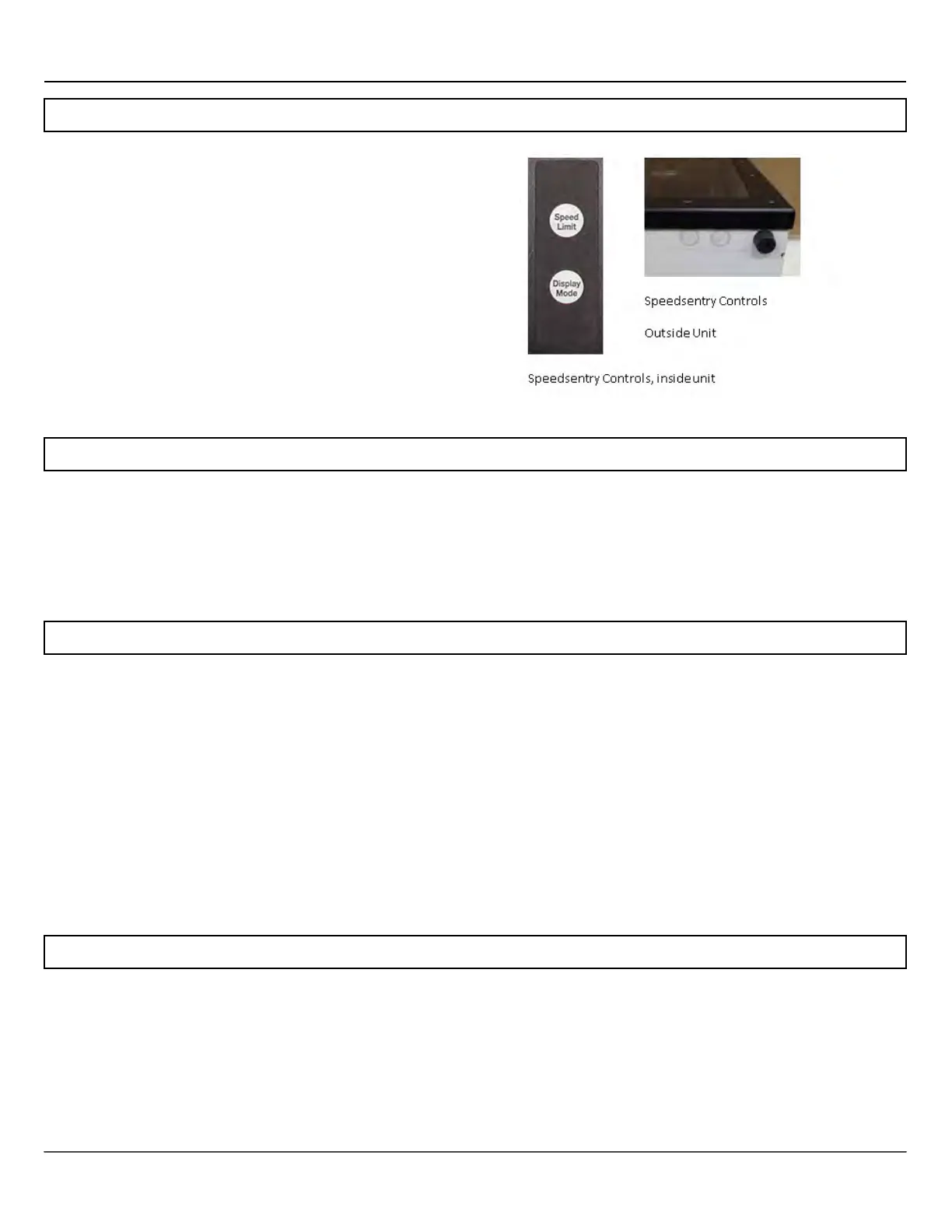
Speedsentry 12 On-Board Controls
The Speedsentry on board controls set the speed limit and display mode.
On older units, the Speedsentry 12 on-board controls
are located inside the unit. Open the enclosure with
locking T handle and locate the control panel. On
newer units, the controls are located on the outside of
the unit.
Anti-Tamper Lockout: To prevent unwanted tampering,
the control buttons on the outside of the unit will not
operate 5 minutes after applying power to the
Speedsentry. To restore control to the buttons, simply
remove power from the Speedsentry and re-apply power.
Set the speed limit by pressing the Speed Limit button until the desired speed displays on the front display.
The first press shows the current setting, and then each press increments the speed limit by 5 MPH (KPH for
metric units.) Set the display mode by pressing the Display Mode button until the mode displays on the front
of the unit. On the new controls, the button on the left controls the speed limit and the button on the right
controls the display mode.
The Display Mode button scrolls through the display options. The current display option displays using the
digits on the front of the speed display. The first press displays the current mode, and then the each press
increments through the modes. Demo activates demo mode in the last selected display mode, so if you want
to demo the sign constant with strobe, select the cS mode, let it take effect (when the displayed cS goes off)
and then select the dE mode. Modes are as follows:
oF: Stealth mode, used to collect baseline traffic data with no display
c: Constant display, digits display a speed with no blinking
cS: Constant display with violator strobe
b: Blinking display, digits display a speed and blink for all vehicles. Conserves power.
bS: Blinking digits with violator strobe
dE: Demo mode, sign displays a pattern of numbers to show digits when no vehicles present.
When the Speedsentry 12 is powered on it will go through a startup routine and display 88. The unit does not
loose data when the power is disconnected.


 To Next Page