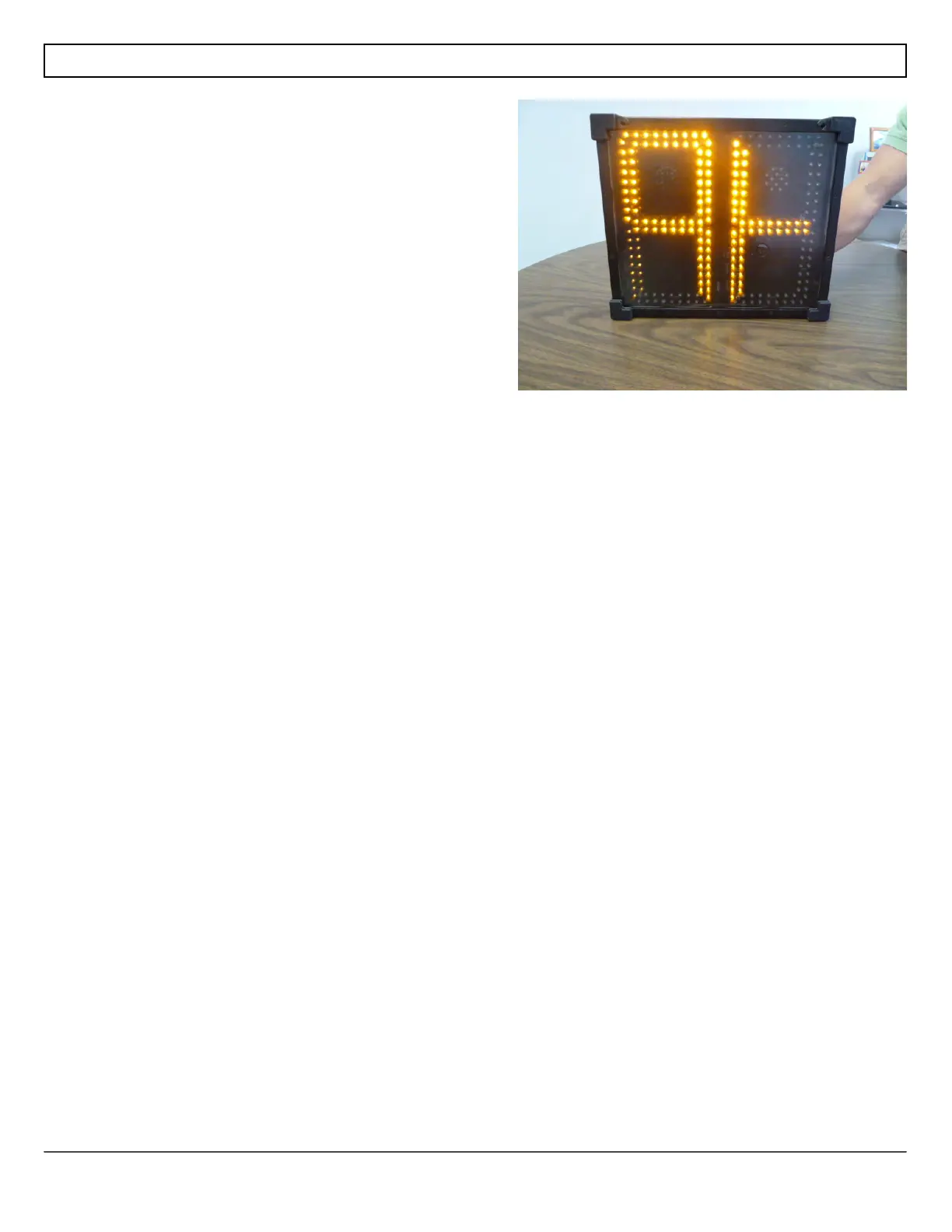
When using SmartApps Remote Management, the sign
can be triggered to tell the server that is has moved. To
send the move sign signal, press both the speed limit
and the display mode buttons at the same time and
hold them for 15 seconds. The Shield will display a +
on the digits while the outer leds will circle around the
'+' to indicate that the move sign signal is being sent to
the server. Remember to reactivate the buttons if they
have timed out and stopped operating.



 To Next Page