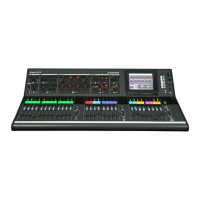
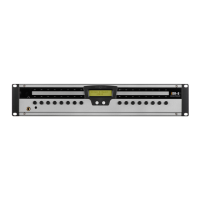
Packed items
Check you have received the following:
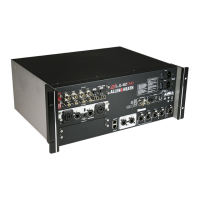
DM0 MixRack
Getting Started Guide AP10972
Safety Sheet
IEC mains lead
4x M6 screws and washers for rack mounting
Contents
IMPORTANT - Read before starting ............................................................................................................ 3
Packed items ................................................................................................................................................ 4
Contents ....................................................................................................................................................... 4
1. Introduction...................................................................................................................................... 5
1.1 dLive MixRacks ....................................................................................................................... 5
2. Installing the MixRack ...................................................................................................................... 6
2.1 Free standing .......................................................................................................................... 6
2.2 Rack mounting and flight casing............................................................................................. 6
2.3 Rack ears ................................................................................................................................ 6
3. Rear Panel ....................................................................................................................................... 7
4. Front Panel ...................................................................................................................................... 8
5. Connect and power up .................................................................................................................... 9
5.1 Surface connection ................................................................................................................. 9
5.2 Expander connection .............................................................................................................. 9
5.3 ME system connection .......................................................................................................... 10
5.4 Connect a laptop or wireless router ...................................................................................... 10
6. Dimensions .................................................................................................................................... 11
7. Technical specs ............................................................................................................................. 12


 To Next Page
 Loading...