
 To Next PageTo Next Page
 Need help?
Do you have a question about the ALLEN & HEATH iDR Series and is the answer not in the manual?
 General
| EQ Bands | 4-band parametric EQ per channel |
|---|---|
| Word Length | 24-bit |
| Dynamic Range | >110dB |
| THD+N | <0.005% |
| Control | Ethernet |
| Connectivity | Ethernet |
| Audio Processing | 96kHz |
| Mounting | Rackmount |
| Faders | None (controlled via external surfaces) |
| Effects | Reverbs, Delays, Modulations |
| Sampling Rate | 96 kHz |
Introduces the software for programming iDR systems, its features, and offline use.
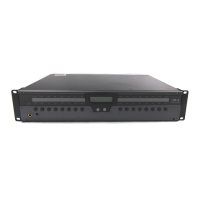
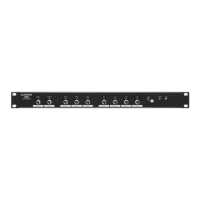
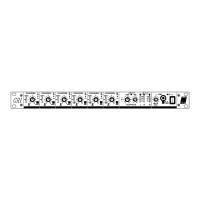
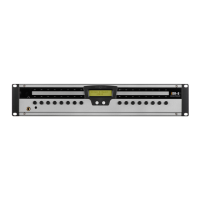
Details the front panel components and features of the iDR-8 audio processor.
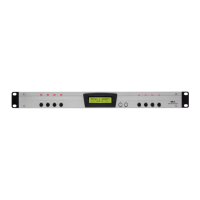
Details the front panel components and features of the iDR-4 audio processor.
Describes the PL-Calculator for determining device limits based on current and voltage drop.
Explains PL-designer for GUI creation and PL-client for user interface deployment.
Explains configuration files (.cfg) and the preset structure within the software.
Details the graphical user interface for programming inputs, outputs, and simulators.
Explains how to create and store presets, and manage device contents for presets.
Details connecting inputs to outputs by clicking cross points in the switch matrix tab.
Explains Transmission Control Protocol/Internet Protocol and IP addressing basics.
Guides on changing the default IP address and setting the subnet mask.
Details connecting the iDR-8 to audio sources and PL-4 devices for system operation.