ALLEN&HEATH iDR training JAN08 Page - 43 - of 49
iDR IP address
The default IP address in the iDR unit can be changed.
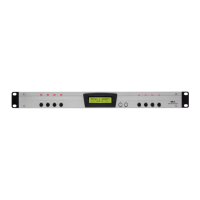
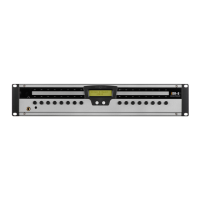
a) Hold the front panel Menu button until Setup menu *1 shows.
b) Scroll down to Setup menu *5 Network setup.
c) Scroll to menu *5.1 DHCP Setup.
d) Set DHCP to YES for automatic IP address from server or NO for
manual IP address.
e) Scroll to menu *5.2 Set IP Addr
f) Enter the desired IP address. In this example we are changing the last
digit from 1 to 2 as if there are two iDR units on a network.
g) Scroll to menu *5.3 Set Sub-Net
h) Scroll to menu *5.3 and set the Subnet mask to 255. 255. 255.0


 To Next Page
 Loading...