ALLEN&HEATH iDR training JAN08 Page - 42 - of 49
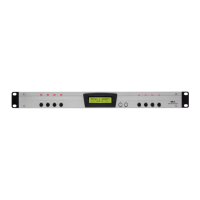
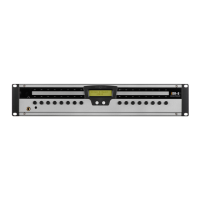
• The iDR front panel menu
DHCP
The iDR is capable of receiving automatic IP addresses from a server on a network. Out of the box,
the iDR is set with the static IP address 192.168.0.1 to facilitate quick connection with PC/laptop.
DHCP (Dynamic Host Configuration Protocol) is a set of rules used by devices on a network to allow
them to request and accept an IP address from a server. Out of the box, the iDR DHCP setting is NO
(off).
If the iDR is to be used on a network where IP addresses are issued by a server, DHCP must be set to
YES (on).
a) Hold the front panel Menu button until Setup menu *1 shows.
b) Scroll down to Setup menu *5 Network setup.
c) Scroll to menu *5.1 DHCP Setup.
d) Set DHCP to YES for automatic IP address from server or NO for
manual IP address.


 To Next Page
 Loading...