ALLEN&HEATH iDR training JAN08 Page - 44 - of 49
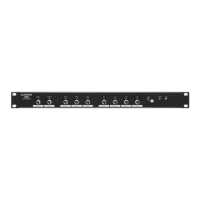
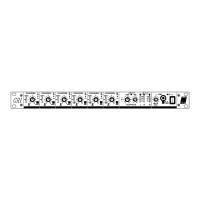
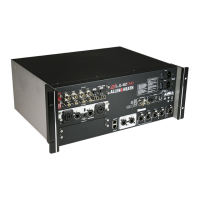
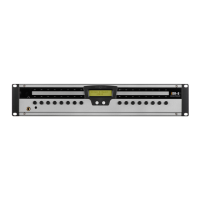
8.2. Plug up the iDR-8, 2x audio sources, 2x PL-4
After completion of the three
programming modules, you will have a
.cfg that can control two audio sources
into two rooms.
We will now connect our PC / laptop to
an iDR system, open the .cfg and see
how the system operates. NB MDIX
switch pressed ‘in’ to allow use of non-
crossover network cable.
• PC/laptop network port to iDR network
port
• PL-Anet to Zone 1 PL-4 IN then OUT
to Zone 2 PL-4 IN
• Stereo source #1 L-R to i/p XLR 1-2
• Stereo source #2 L-R to i/p XLR 3-4
• iDR o/p 1 to Zone 1 powered speaker
(using only the left o/p for this demo)
• iDR o/p 3 to Zone 2 powered speaker


 To Next Page
 Loading...