ALLEN&HEATH iDR training JAN08 Page - 18 - of 49
4.2. Constantly scanned Cat 5
The PL-Anet port has to be activated in the System manager software Communication Options. Once
it is selected, the port is constantly scanned for PL devices. PL devices, when connected, are
automatically detected and addressed. As an example: if you have four PL-3 connected, the iDR will
address them as PL-3 01, PL-3 02, PL-3 03, PL-3 04. If PL-3 03 is removed from the system (the
cable run needs to be made good), the iDR will re-address PL-3 04 as PL-3 03.
4.3. Wiring topographies
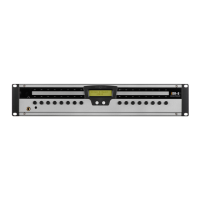
PL devices are daisy chained. Each unit has an IN and OUT RJ45 socket.
The Root is the direct connection to the iDR unit Pl-Anet port. Simulators are shown on screen.
PL-4
PL-4 iDR -8 / 4
Root


 To Next Page
 Loading...