5. Connect and power up
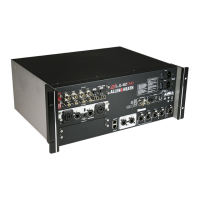
Switch on the MixRack. It takes around 15s for the mix engine to start passing audio. You should hear the
relays click as they connect the outputs once the boot-up is completed. The Ready indicator on the front
panel will light up at this point.
5.1 Surface connection
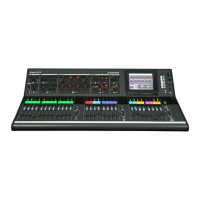
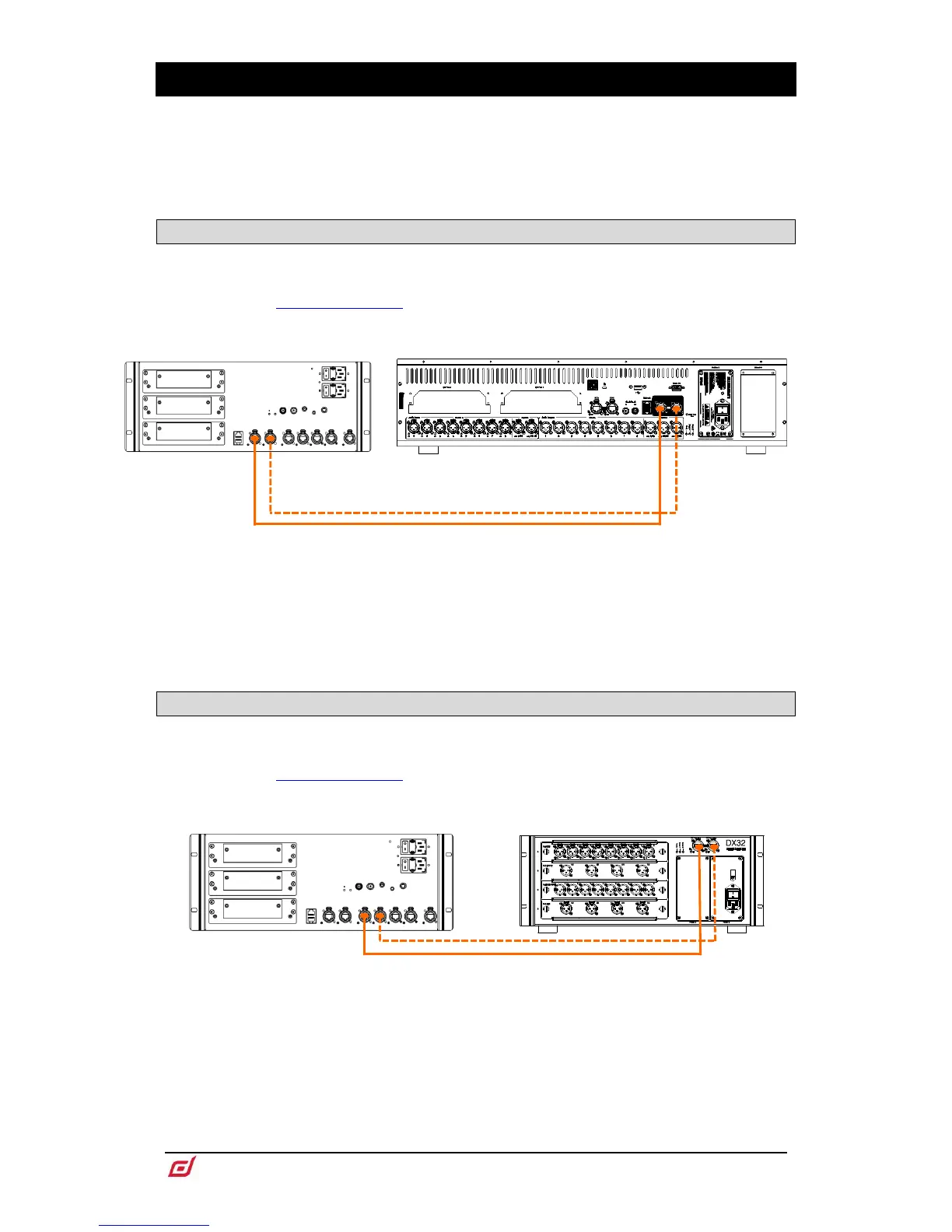
Plug a touring grade CAT5e (or higher specification) cable up to 100m long between the dLive Surface and
MixRack gigaACE ports. Use two cables for redundancy if required.
Refer to www.allen-heath.com for cable requirements, recommendations, and a list
of CAT5e/CAT6 cables available to order.
Switch on the Surface. The gigaACE Lnk/Err indicators flash at a steady rate when the link is established.
The red error indicator lights if a communication error is detected. Check that the cables are correctly
plugged in and are not faulty.
It takes around 30s for the Surface to take control and the touchscreen to become responsive.
5.2 Expander connection
Plug a touring grade CAT5e (or higher specification) cable up to 100m long between the DX Expander and
MixRack DX ports. Use two cables for redundancy if required.
Refer to www.allen-heath.com for cable requirements, recommendations, and a list
of CAT5 cables available to order.
Switch on the DX Expander. The DX port Lnk/Err indicators flash at a steady rate when the link is
established. The red error indicator lights if a communication error is detected. Check that the cables are
correctly plugged in and are not faulty.


 To Next Page
 Loading...