15
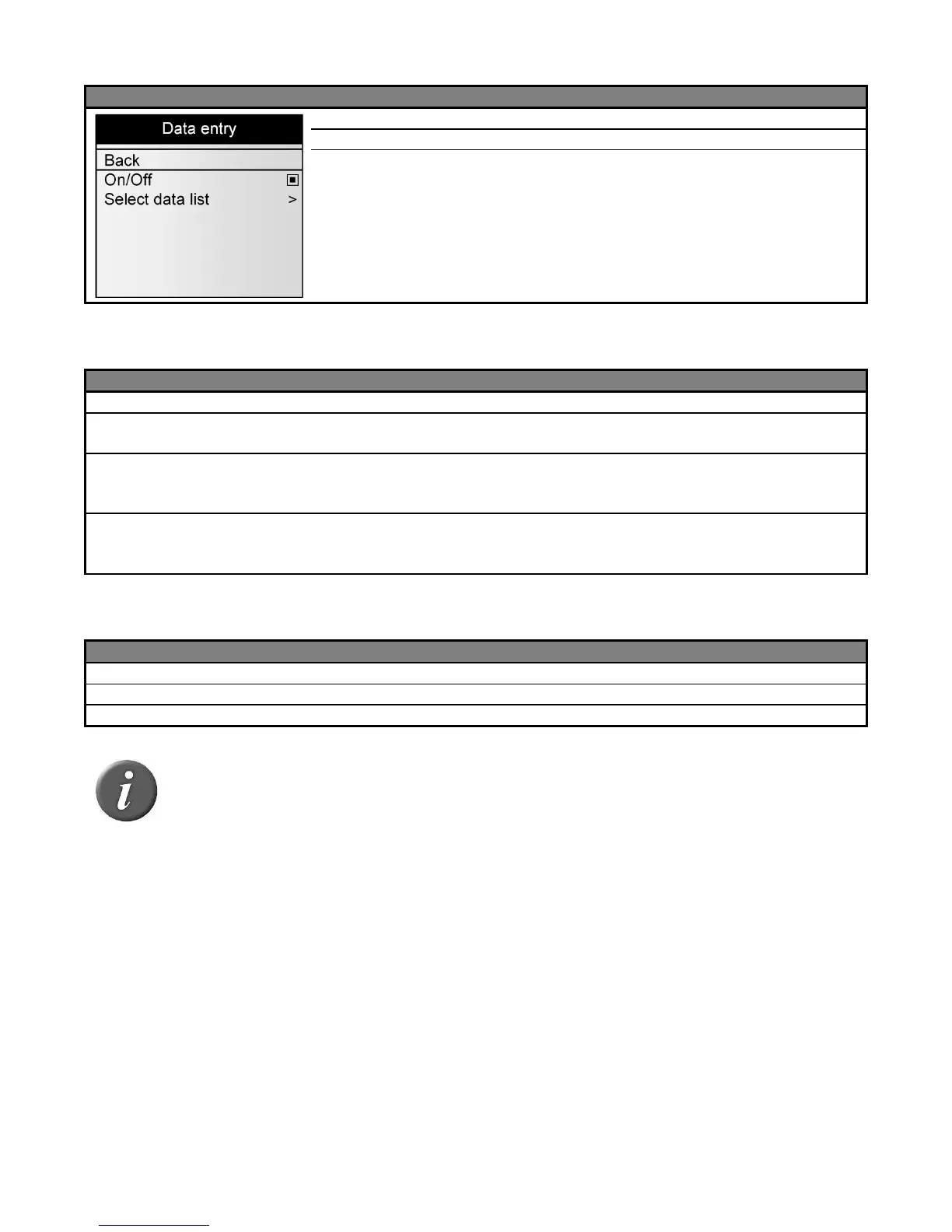
Menu 11 - Menu “Data entry”
Return to the previous screen
Enable / Disable data entry feature
Select one or several data entry list(s) (up to 3 list
selectable) to be used to associate data entry with the tag
read
Menu 12 - Menu “Counter mode”
Return to the previous screen
1 counter for all IDs stored in the current session and 1 counter for all IDs
saved in memory (9999 max per session)
1 counter for all IDs stored in the current session and 1 counter for all
unique IDs stored in this session (max. 1000). The tag storage mode is
automatically changed to “ON READ”.
1 counter for all IDs stored in the current session and 1 sub-counter to
count mobs in a session. Reset mob counter action can be set as quick
action (see quick actions menu)
Menu 13 - Menu “RFID power mode”
Return to the previous screen
Puts the device in low power consumption with shorter reading distances.
Puts the device in high power consumption
Note 24 – When the reader is in Save power mode, the reading distances are
reduced.



 To Next Page