19
The RS-232 serial interface comprises a 3-wire arrangement with a DB9F connector, and
consists of transmit (TxD/pin 2), receive (RxD/pin 3), and ground (GND/pin 5). This
interface is factory configured with the default settings of 9600 bits/second, no parity, 8
bits/1 word, and 1 stop bit (“9600N81”). These parameters can be changed from the PC
software.
Serial output data appears on the device’s TxD/pin 2 connection in ASCII format.
Note 32 - The RS-232 interface is wired as a DCE (data communications
equipment) type that connects directly to the serial port of a PC or any other device
that is designated as a DTE (data terminal equipment) type. When the device is
connected to other equipment that is wired as DCE (such as a PDA), a “null
modem” adapter is required in order to properly cross-wire transmit and receive
signals so that communications can occur.
Note 33 - The reader’s serial data connection can be extended using a standard
DB9M to DB9F extension cable. Extensions longer than 20 meters (~65 feet) are
not recommended for data. Extensions longer that 2 meters (~6 feet) are not
recommended for data and power.
Using Bluetooth
®
interface
Bluetooth® works on a premise that one end of the communication will be a MASTER and
the other a SLAVE. The MASTER initiates communications and looks for a SLAVE device
to connect to. When the reader is in SLAVE mode it can be seen by other devices such as a
PC or smartphones. Smartphones and computers usually behave as MASTERS with the
reader configured as a SLAVE device.
When the reader is configured as a MASTER it cannot be connected by other devices.
Readers are typically used in a MASTER mode configuration when it only needs to be
paired with a single device such as a scale head, PDA, or Bluetooth printer.
The reader is equipped with a Class 1
Bluetooth® module and is compliant with the
Bluetooth® Serial Port Profile (SPP) and the Apple’s iPod
®
Accessory Protocol (iAP). The
connection can be in slave mode or in master mode.
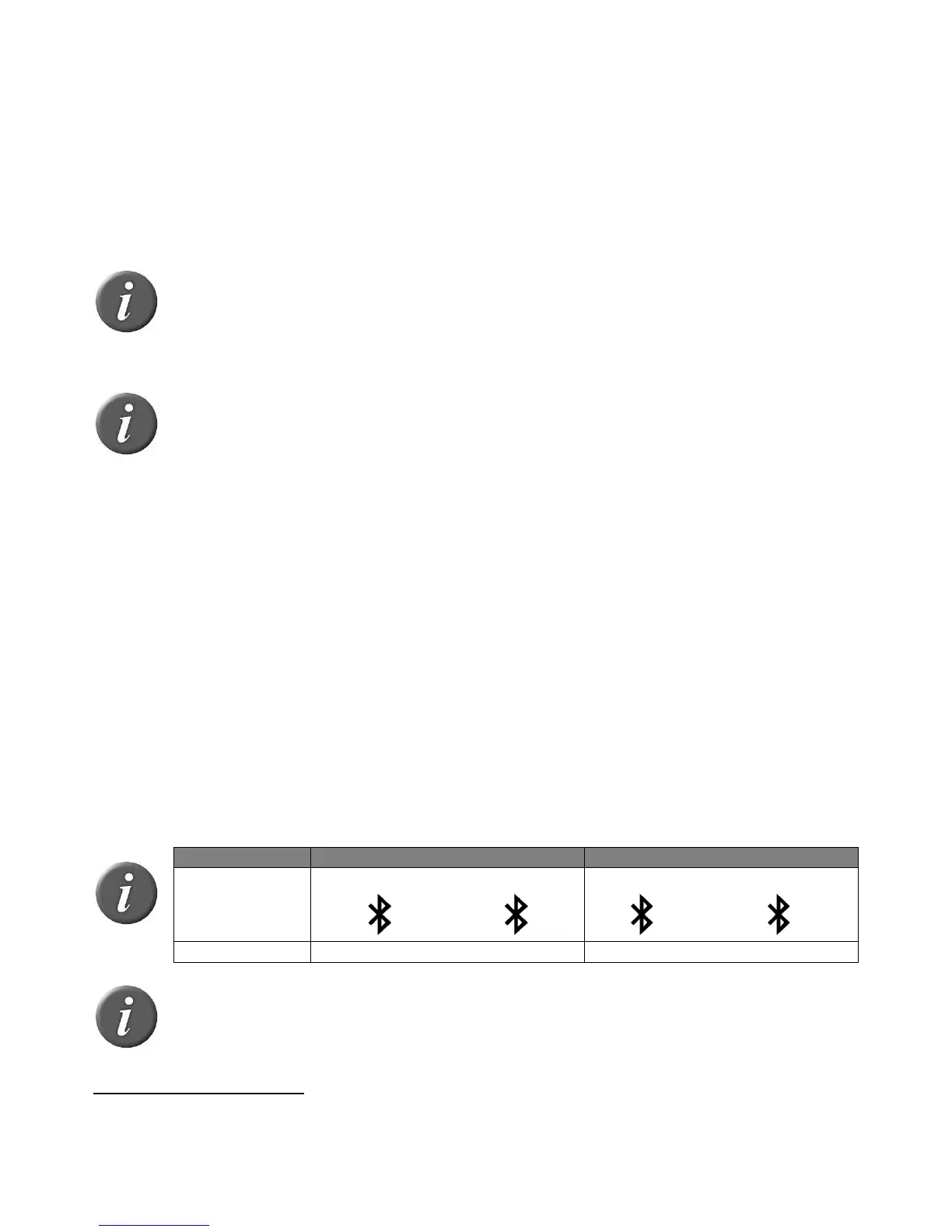
Note 34 – Understanding the Bluetooth
®
icon:
Note 35 – A single beep is emitted with a visual message when the Bluetooth
®
connection is established. Three beeps are emitted with a visual message when the
disconnection occurs.
Operating distance of communication is around 100 m (330 ft).



 To Next Page