17
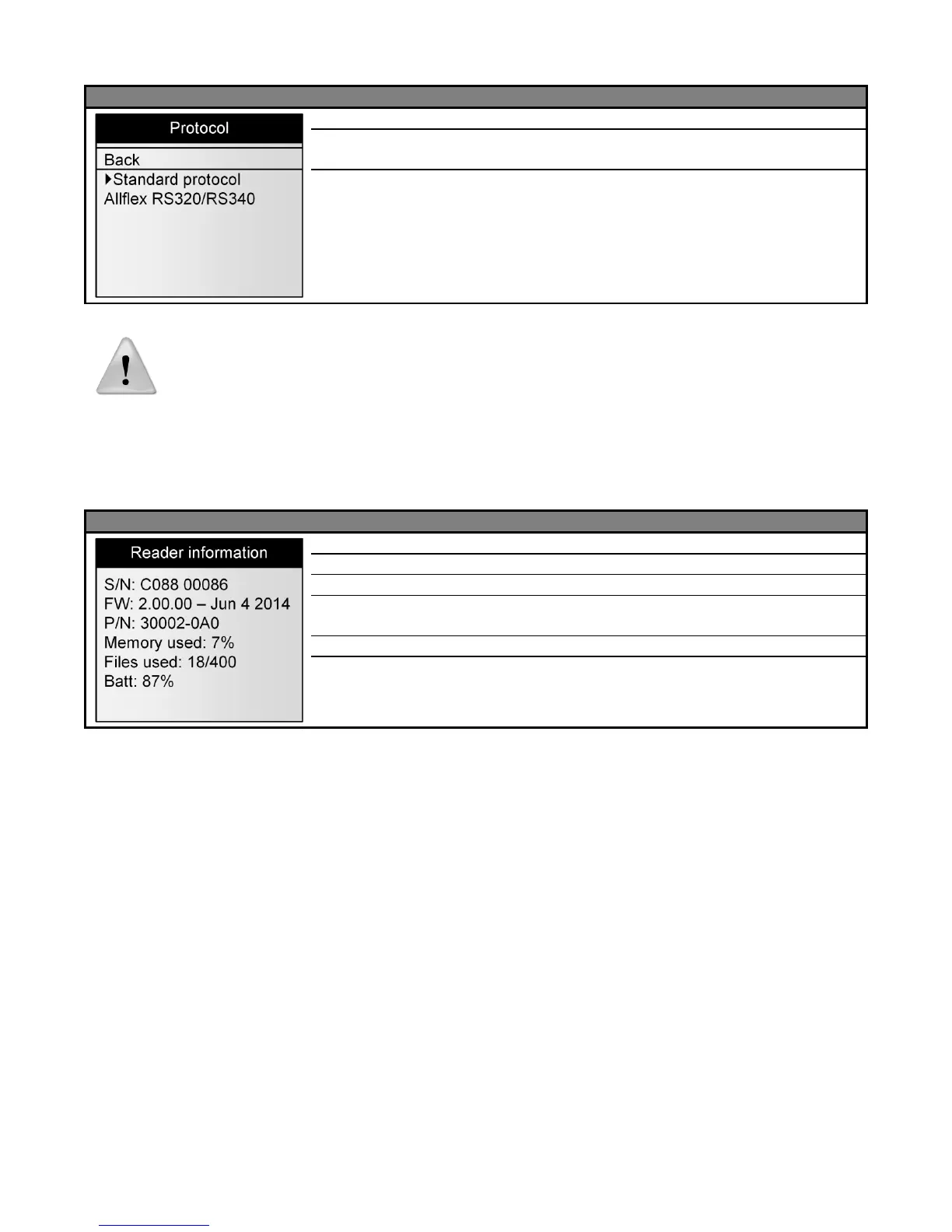
Menu 16 – Menu “protocol”
Return to the previous screen
Select the standard protocol defined for this reader
Select the protocol used by ALLFLEX’S readers RS320 and
RS340
Note 28 – All commands of ALLFLEX’S reader are implemented but some
features are not implemented.
About the reader
Menu 17 - Menu “Reader information”
Indicates the serial number of the reader
Indicates the firmware version of the reader
Indicates the hardware version of the reader
Indicates the percentage of the memory used.
Indicates the number of sessions saved in the reader.
Indicates the battery charge level in percentage.



 To Next Page