How to Start an AT-GS950/8 WEB Management Session
5
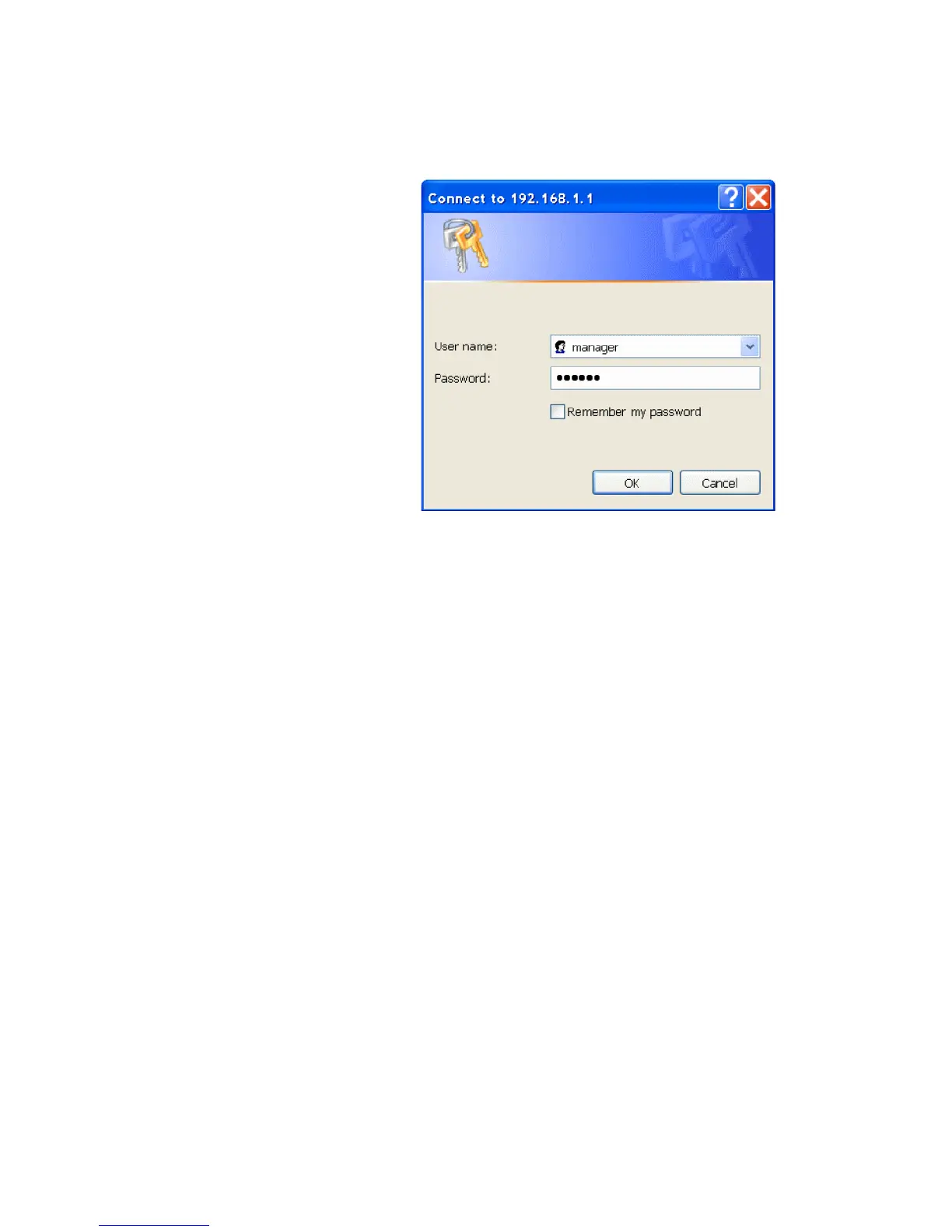
The AT-S107 Management Software displays the login dialog box,
shown in Figure 2.
Figure 2. Management Login Dialog Box
3. Enter the AT-S107 management login user name and password.
The default user name is “manager” and the default password is
“friend.”
4. Press OK.
The login name and password are case-sensitive.
The switch Home Page is displayed. See Figure 3 on page 6 for an
example of the AT-S107 Home Page.
To change the user name and password, refer to “Configuring System
Administration Information” on page 19.



 To Next Page
 Loading...









