
 Need help?
Do you have a question about the Allied Telesis FS750 SERIES and is the answer not in the manual?
Discusses FCC rules for Class A digital devices and potential radio frequency interference.
States compliance with Canadian ICES-003 for Class A digital apparatus.
Lists FCC Class A, EN55022 Class A, CISPR 22 Class A, VCCI Class A, C-TICK certifications.
Lists EN55024, EN61000-3-2, EN61000-3-3 standards for immunity.
Lists EN60950-1 (TUV) and UL 60950-1 (cULus) standards.
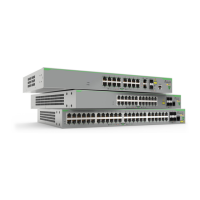
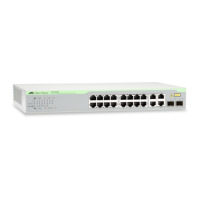
Describes the hardware features of the FS750 Series Fast Ethernet switches.
Explains the pre-installed WebSmart management software and its features.
Provides essential safety guidelines before installing the switch and its components.
Solutions for when the POWER LED is off, indicating no power reception.
Troubleshooting steps for when a port link LED is off, indicating no network link.
Solutions for when the SFP transceiver link LED is off, indicating no fiber link.
 General
| Operating Temperature | 0°C to 40°C (32°F to 104°F) |
|---|---|
| Product Series | FS750 |
| Layer | Layer 2 |
| Humidity | 90% non-condensing |
| Standards Compliance | IEEE 802.3 |










 To Next Page