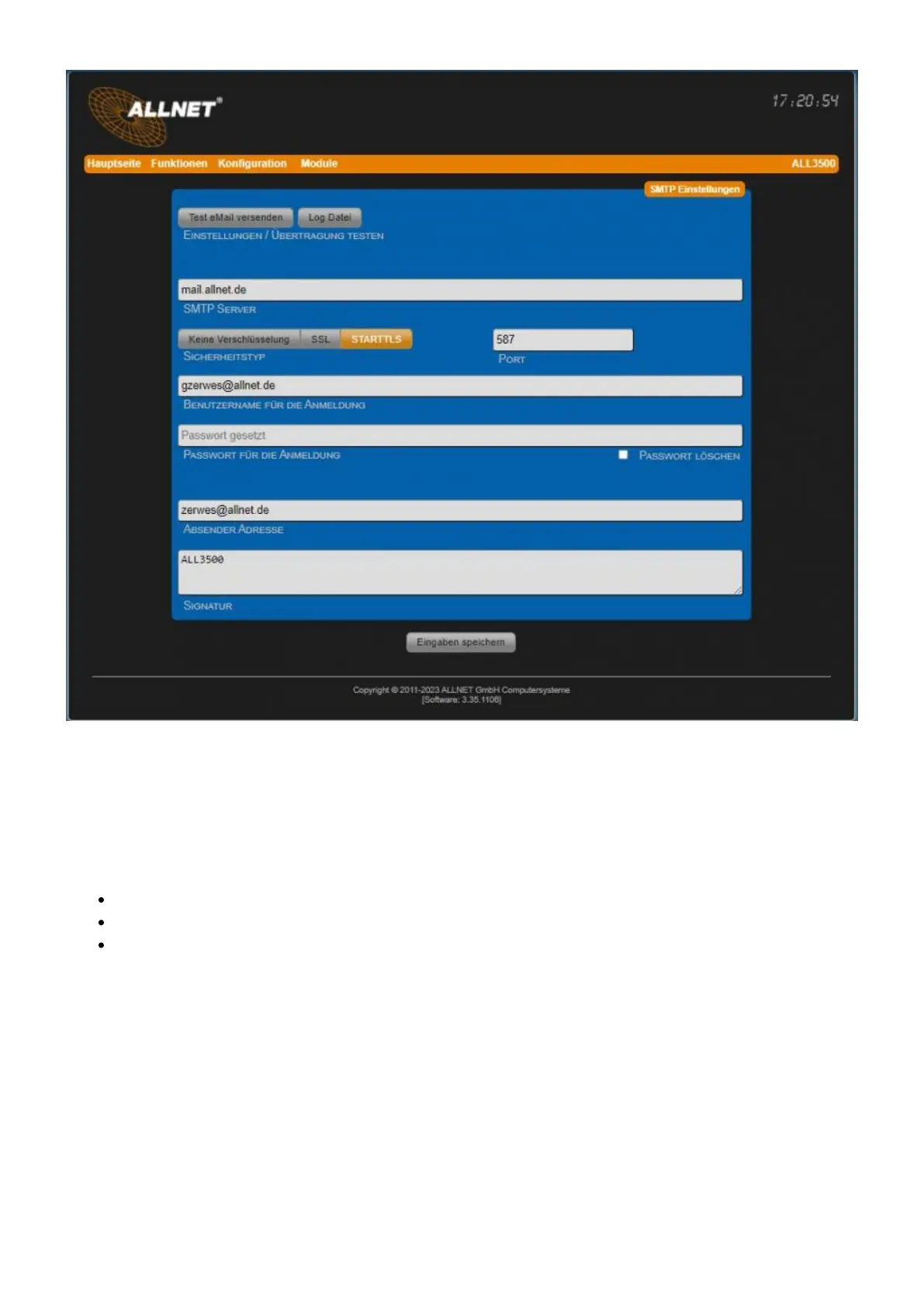
• Test settings / transfer With the button "Send test email" you can test your SMTP settings. With
the button "LogFile" you can view the log file.
• SMTP server Enter IP address or mail server name with domain.
• Safety type Many mail servers require encrypted shipping.
No encryption (default port: 25)
SSL (default port: 465)
STARTTLS (default port: 587), default setting
• Port Port 25 is the default port for SMTP without encryption. Port 465 is used for encrypted SMTP
mails.
• Username for login This username must exist on the server.
• Password for login Password must be specified.
• Sender address This is used for all outgoing emails. • Signature Possibility to enter a signature
that is appended to the email text. Note: Only authenticated applications are allowed.



 To Next Page