ALLNET Remote Devices
ALLNET remote devices
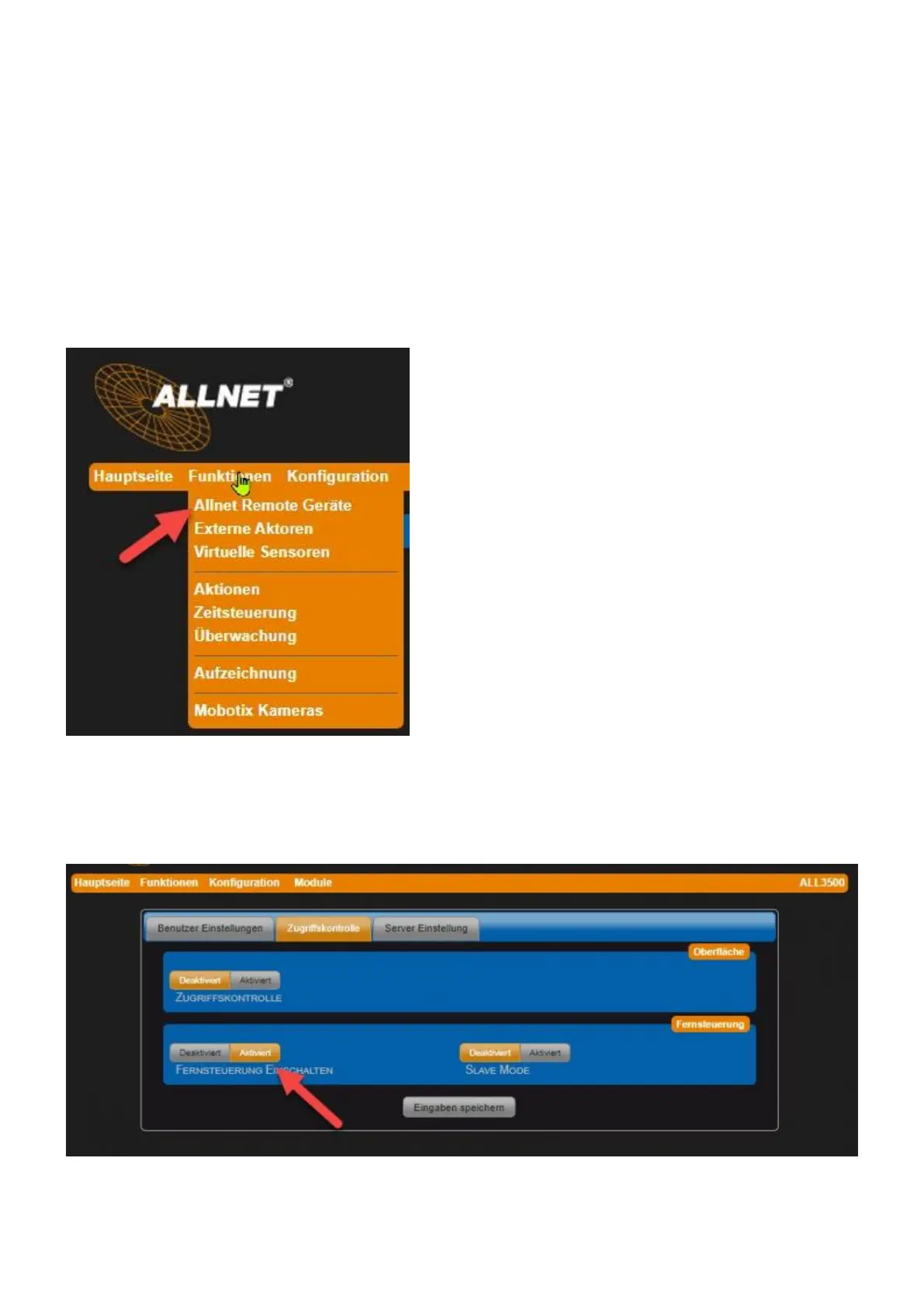
Settings under "Functions" > "ALLNET Remote Devices". Here it is possible to integrate other
ALLNET sensor/actor modules into the web surface of the device. A remote device can be detected
via the green "mouse over" marking. After successful import, a tile is created for each imported
sensor value and actuator on the web surface (main page).
User rights can be set up separately for administrator and user.
! Note: A prerequisite for a successful device search is the activation of the remote control in the
remote device. This setting can be found in the menu (of the remote device) under "Configuration" >
"Server and User" and there in the tab "Access Control". Activate the parameter Switch on remote
control (see the following figure):



 To Next Page