Recording
Recording
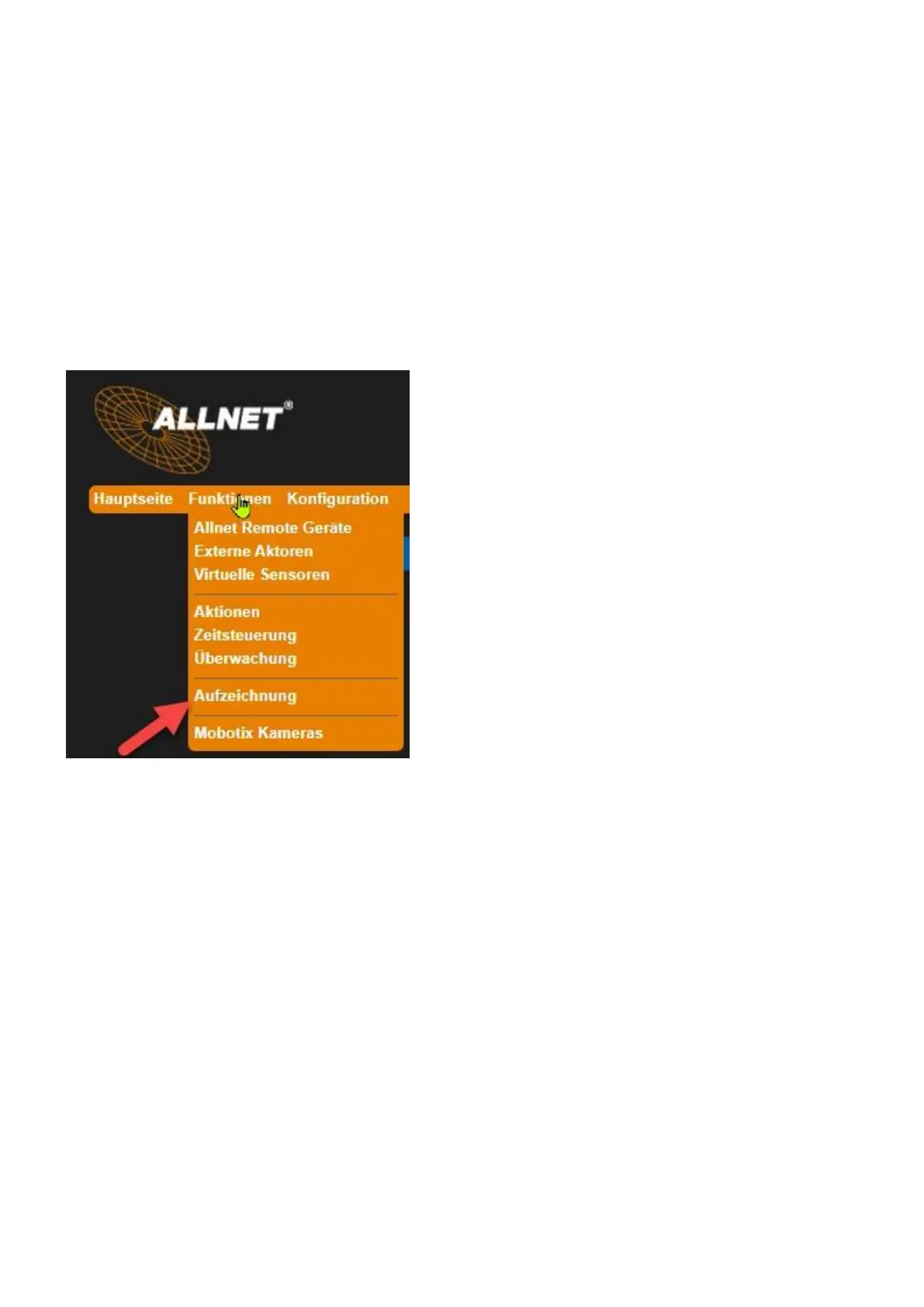
Settings under "Functions" > "Recording".
The values of sensors and actuators can be recorded in a file in the device in the long term. This
recording serves as the basis for the evaluation on this device (see chapter "7.7 Evaluation" on page
60). The file can also be downloaded as a CSV file and processed on the PC with different programs.
On the device about 4 GByte Flash memory are available for the data. Every month a new file with
new name is automatically created (year_month.csv). Existing files are not deleted automatically.
Note the following difference: • "Interval recording": The value averaged over the set period
(interval) is recorded.
• "Time-point recording": The instantaneous value is recorded at the set time interval.
"Interval Record" tab



 To Next Page