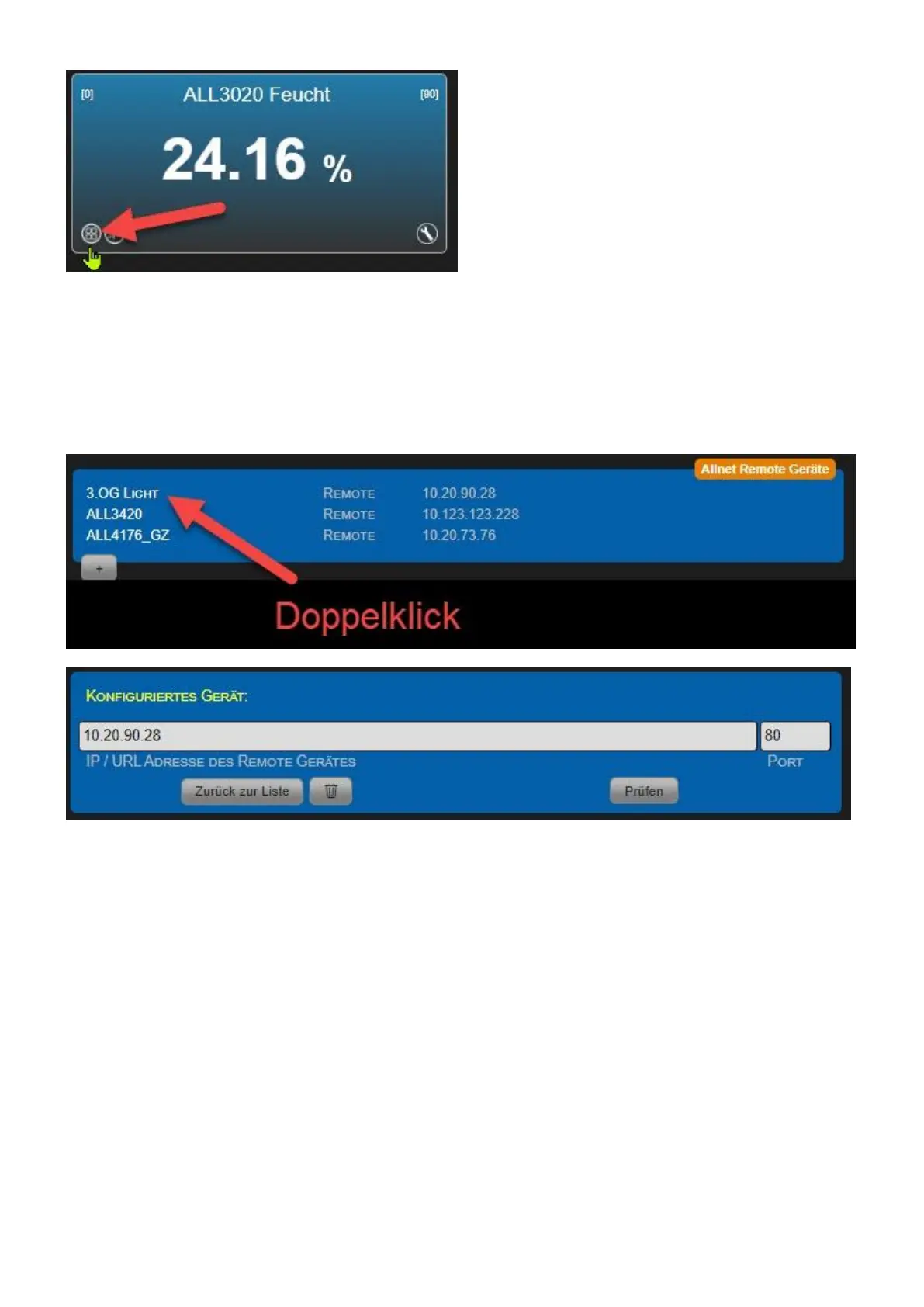
Change/Delete configuration
Once you have added external sensor/actor modules, they are listed with the device name of the
remote device. Double-clicking the respective line can change the configuration of the remote
device. Click "Check" to access the configuration page. The procedure is as described in "Add
Remote Devices".
If you want to delete the remote device, click on the Trash icon.



 To Next Page