6x Installation Guide
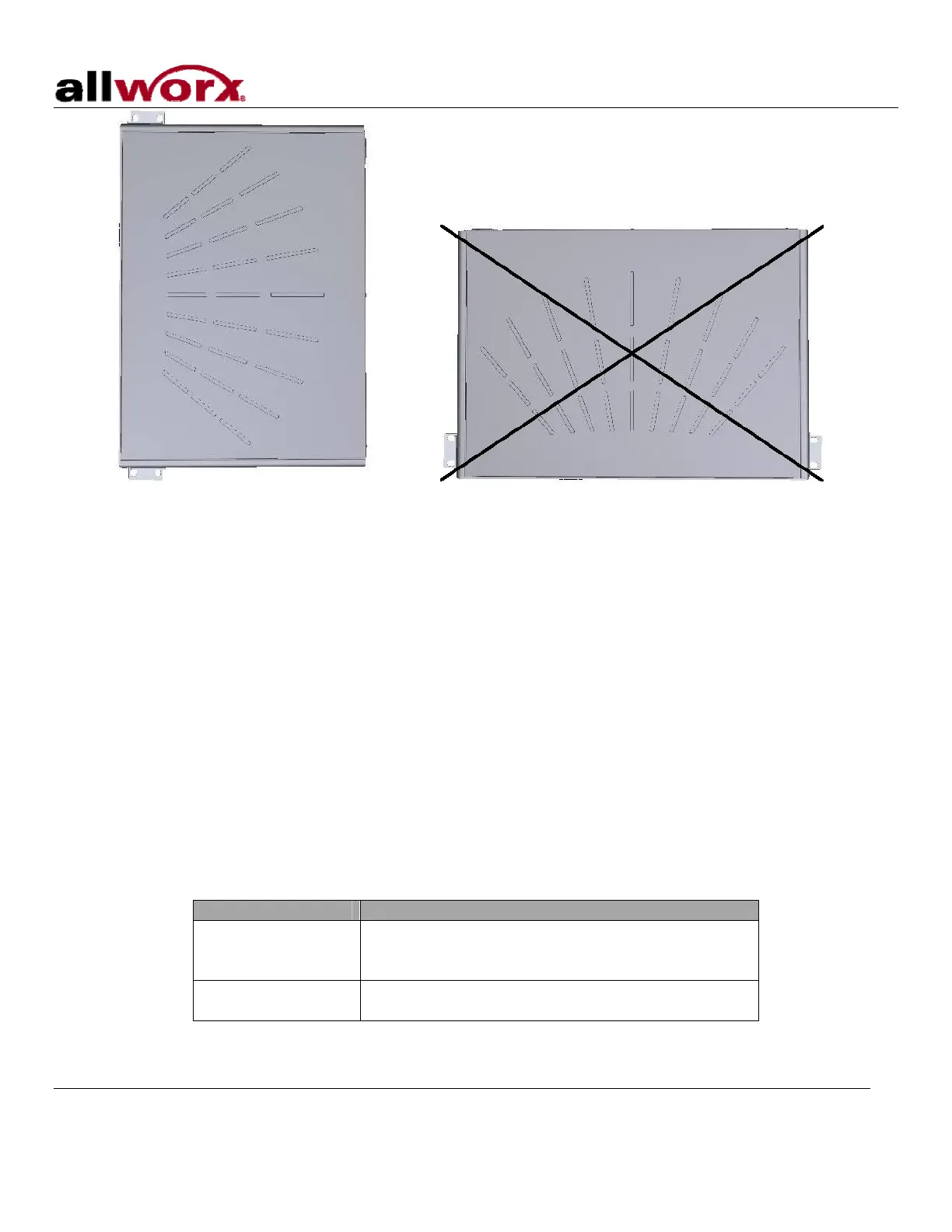
Correct Orientation Wrong Orientation
5 Electrical
5.1 Chassis Ground
Warning: Failure to follow these steps may result in equipment damage, personal injury, and void the
product warranty.
To help prevent electrical shock, the separate protective earthing terminal located next to the power jack on the
rear panel must be permanently connected to earth using 18 AWG wire or larger. (See Figure 2 item 16)
5.2 Power-Up Sequence
Connect the unit to the power source with the AC power adapter. The server will automatically begin to power
up. As it progresses through the power up sequence, the front panel lights will respond as shown in
Table 2.
Front Panel Light Power-Up Sequence Description
Power
Flashes green as the power up sequence
progresses; lights steady green when the unit is
ready.
Drive Activity – CF
Flashes green when drive mounted; flashes off for
activity.
Table 2: Front Panel Lights During Power-Up Sequence
300 Main Street • East Rochester, NY 14445 • Toll Free 1-866-ALLWORX • 585-421-3850 • www.allworx.com
© 2007 Allworx Corp. All rights reserved. Allworx is a registered trademark of Allworx Corp. All other names may be trademarks or registered
trademarks of their respective owners.
Revised: December 27, 2007
Page 5



 To Next Page