Phone Guide – 9212
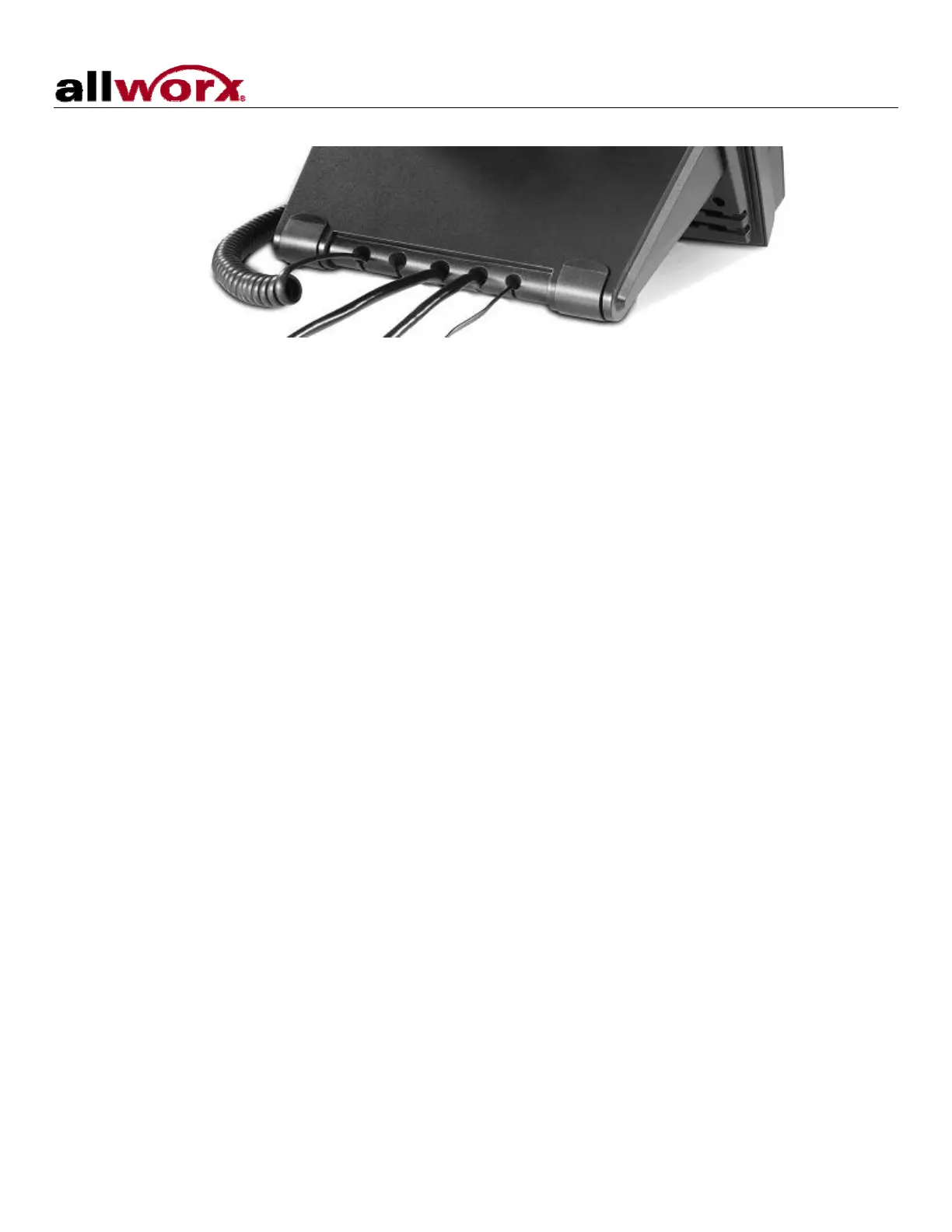
6. Thread cables through the strain relief guide.
7. After applying power, the phone will initialize itself. You can watch its progress on the phone’s screen.
A normal sequence would include:
a. Allworx Logo.
b. Starting network.
c. Loading configuration files.
d. Station Init complete.
e. After successful startup, the phone will display date, time, your presence, your name, and
extension.
f. If the phone does not follow this sequence or displays an error, contact your System
Administrator.
300 Main Street • East Rochester, NY 14445 • Toll Free 1-866-ALLWORX • 585-421-3850 • www.allworx.com
© 2008 Allworx. All rights reserved
Revised: May 28, 2008
Page 2



 To Next Page