Phone Guide – 9212
4 Button Operation
Button Light Purpose
KEYPAD None Use the keypad to dial numbers in order to place a call.
MESSAGES Solid red if new
messages are
present.
Access the Message Center.
INTERCOM Solid green when in
use.
Use the phone as an intercom.
CONFERENCE Blinking green while
making connections
Solid red when in use.
Talk to 3 parties at a time using the 3-Way Conference
functionality.
Will indicate when Call Assistant - Call Recording is in progress.
TRANSFER Solid red until the call
is transferred.
Transfer a call to another extension using a Blind or an Attended
Transfer.
RELEASE None Disconnect the call you are on currently.
PARK None Parks a call (PBX behavior) or system-wide hold (key system
behavior)
INFO Solid green when in
use.
View functionality of all the buttons on the phone: Feature Keys,
Programmable Function Keys (PFK), Scroll Keys, Selection Keys,
and Keypad.
SPEAKER Solid green when in
use.
Use the phone as a speakerphone or activate a headset.
Solid red when Mute. Turn off the microphone in handset, speakerphone, or headset.
Solid amber in Do not
Disturb mode.
Prevent incoming calls (Do Not Disturb).
MUTE/DND
Flashing amber. Indicate Presence other than “In Office”
HOLD Solid red if the call is
on hold.
Place a call on hold.
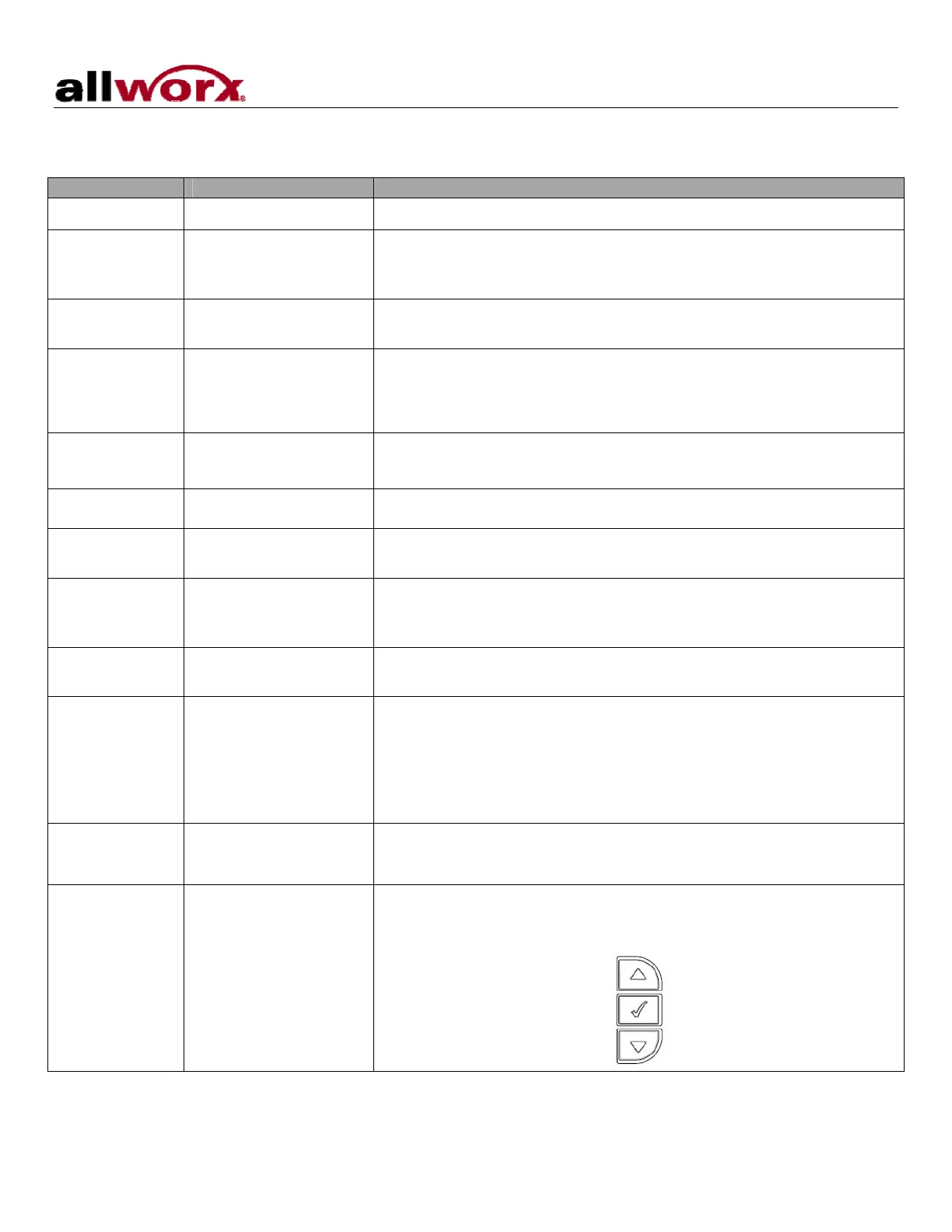
Navigation None Use the up arrow to move up on the LCD screen. Use the down
arrow to move down. Use the button in the center to Select and
Save settings.
300 Main Street • East Rochester, NY 14445 • Toll Free 1-866-ALLWORX • 585-421-3850 • www.allworx.com
© 2008 Allworx. All rights reserved
Revised: May 28, 2008
Page 5



 To Next Page