Allworx
®
Verge™ IP Phone Series User Guide
Page 24 866.ALLWORX * +1 585 421 3850
www.allworx.com
Version: T Revised: February 14, 2019
3.10 Park a Call
Place a call on a system-wide hold location so that another phone can retrieve the call. The Allworx
System provides two methods to park a call:
• System Park: places a call into the next available park location, and then a different phone can
retrieve the call by dialing the park location number. Example: park a call for someone away
from their phone, and then page the recipient to tell them to retrieve the call by dialing the
parking orbit.
• Park to Extension: places a call into a parking location for a specific user or group, if enabled
(available in Allworx System Software 8.5 or higher; find the Verge IP phone software version on
the Settings > About This Phone screen).
• Supports the Allworx User’s connected applications such as the Reach application
(including Reach Remote Control) and the Interact Professional application.
• Notifies the Allworx user if someone parked a call on the extension or any extension of
interest.
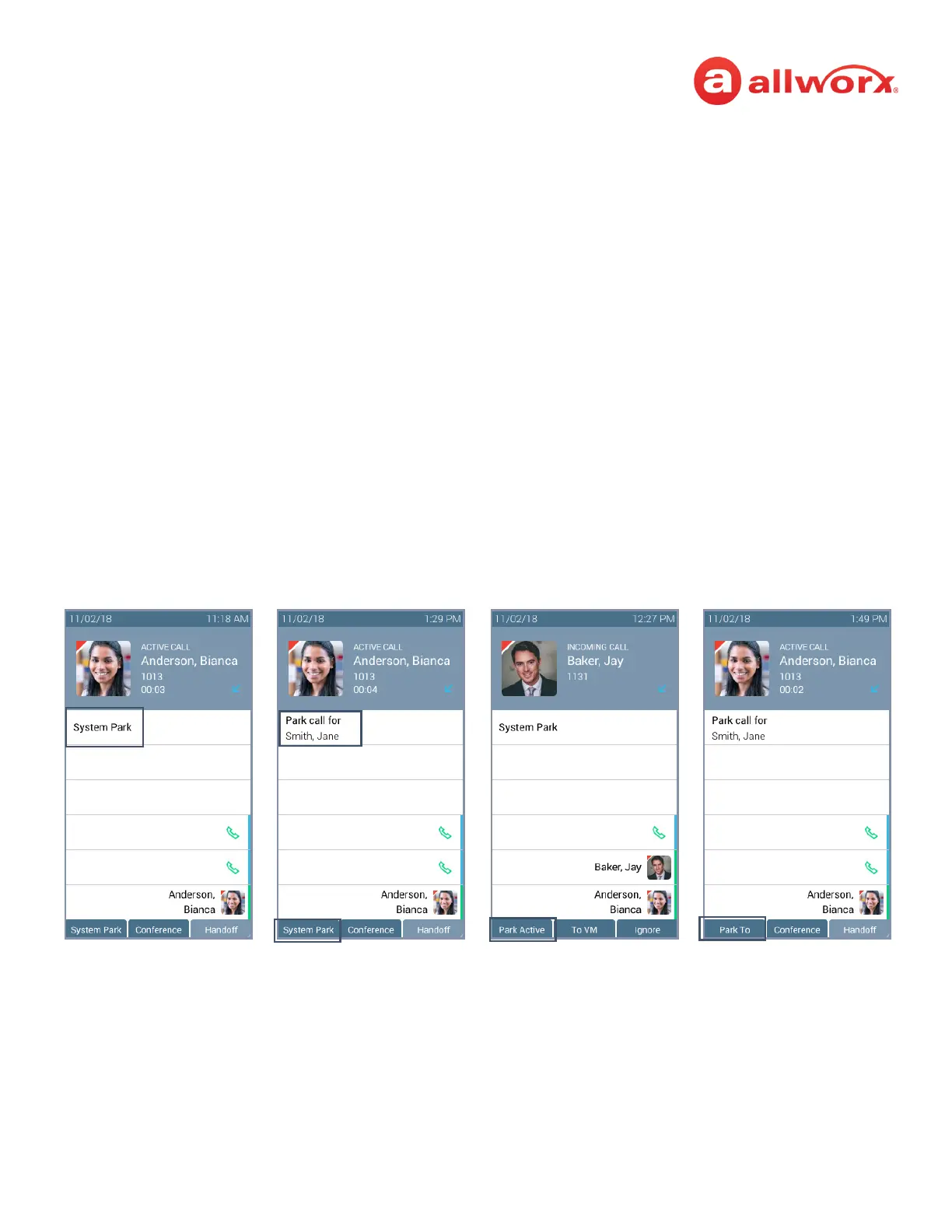
Verge IP Phone park button examples (Allworx System Software version 8.5 shown):
System Park Programmable
Button
Park Active Soft KeyPark to Extension
Programmable Button/
System Park Soft Key
Park To Soft Key



 To Next Page