Allworx Verge IP Phone Series User Guide
866.ALLWORX * +1 585 421 3850 Page 67
www.allworx.com
Version: T Revised: February 14, 2019
• Hands-free Profile: (requires a Bluetooth programmable button) initiate or answer a call
coming into the mobile device and transition the audio to the Verge 9312 IP phone or vice versa.
When using the Verge IP phone as a hands-free device, the cellular calls remain on the mobile
device service and do not route through the Allworx server. Allworx applications such as View do
not receive information about the calls and, therefore, do not include the calls in the View
reports. Additionally, the Call History feature does not see or display these calls.
Example: Mary is in her car talking to a distributor on her mobile device. Mary gets to work and
walks to her office. Mary taps the Bluetooth Appearance to activate the Verge 9312 IP phone
speaker. The cellular phone call audio transitions from the mobile device to the Verge 9312 IP
phone speaker, and Mary finishes her conversation with the distributor in hands-free mode.
The Verge 9312 IP phone automatically connects to and displays the first paired Bluetooth device from
the list of all discovered and paired devices. If there was a previous, active connection to a Bluetooth
device, the Verge 9312 phone automatically connects to that device, if enabling the device Bluetooth
radio and it is within range. To select a different Bluetooth enabled device:
• Allworx System Software 8.2 - turn off the other Bluetooth devices.
• Allworx System Software 8.3 and higher - scroll and select the preferred Bluetooth device.
To pair and connect Bluetooth enabled devices, see
“Bluetooth” on page 81 for more information.
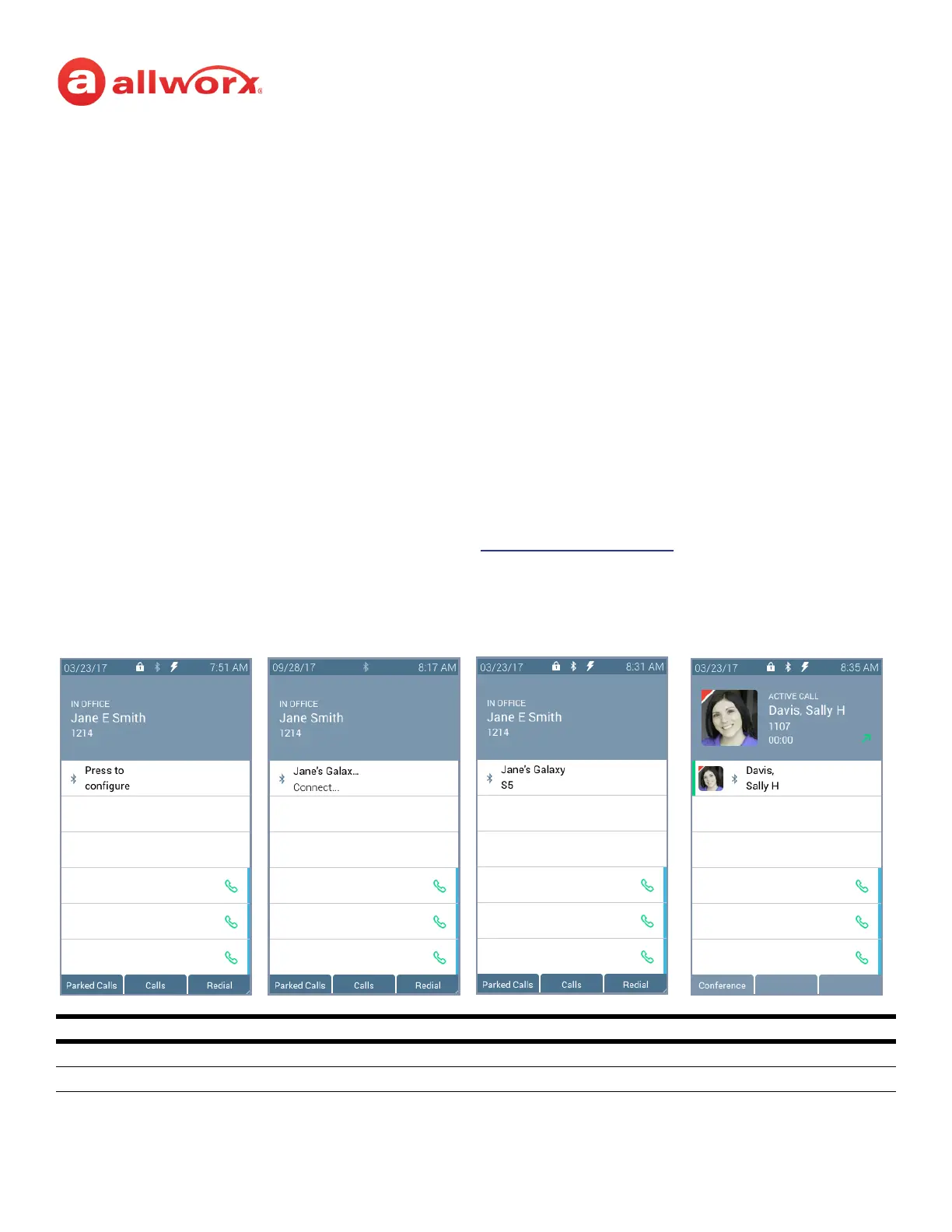
Verge IP phone Bluetooth Hands-Free programmable button examples:
Bluetooth Programmable Button LED
flashing green incoming call or active call on hold.
solid green active call.
No Bluetooth device paired
or connected.
Bluetooth device connected.
Active Bluetooth call.
Bluetooth device paired but
not connected.



 To Next Page