Allworx Verge IP Phone Series User Guide
866.ALLWORX * +1 585 421 3850 Page 71
www.allworx.com
Version: T Revised: February 14, 2019
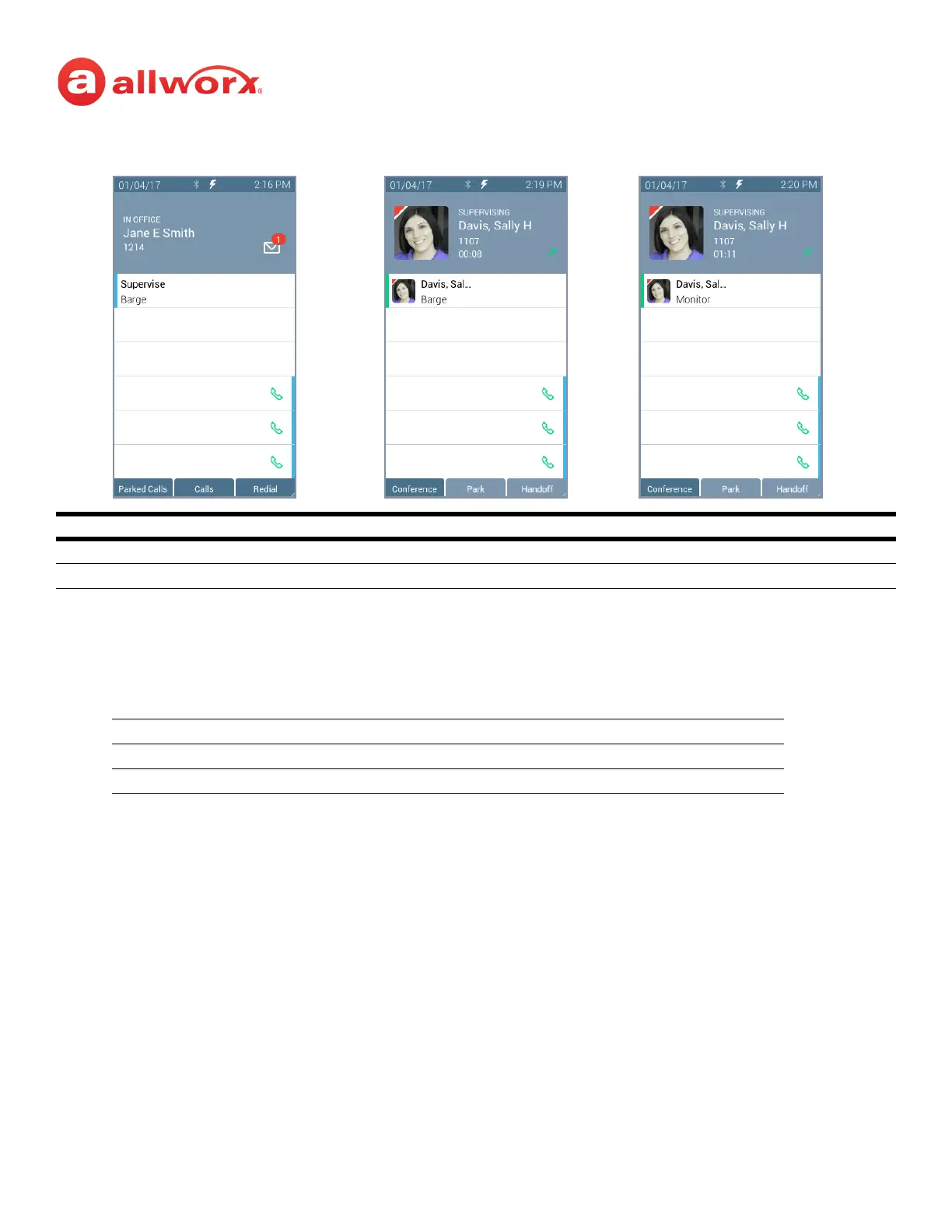
Verge IP phone Call Supervision programmable button example:
To supervise the call:
Press the Call Supervision programmable button, and then enter the agent extension or press the
agent Contact or BLF programmable button. To change the mode during a call, press the MUTE
feature button. Example:
Call Supervision LED Button
solid green call supervision is active.
flashing green call supervisor pressed the hold button to pause the feature.
Starting Mode Mute Toggle #1 Mute Toggle #2
Silent Barge In Silent
Whisper Silent Whisper
Call Supervision Idle Call Supervision Active Call Supervision Toggle



 To Next Page