36
5.13 Other functions
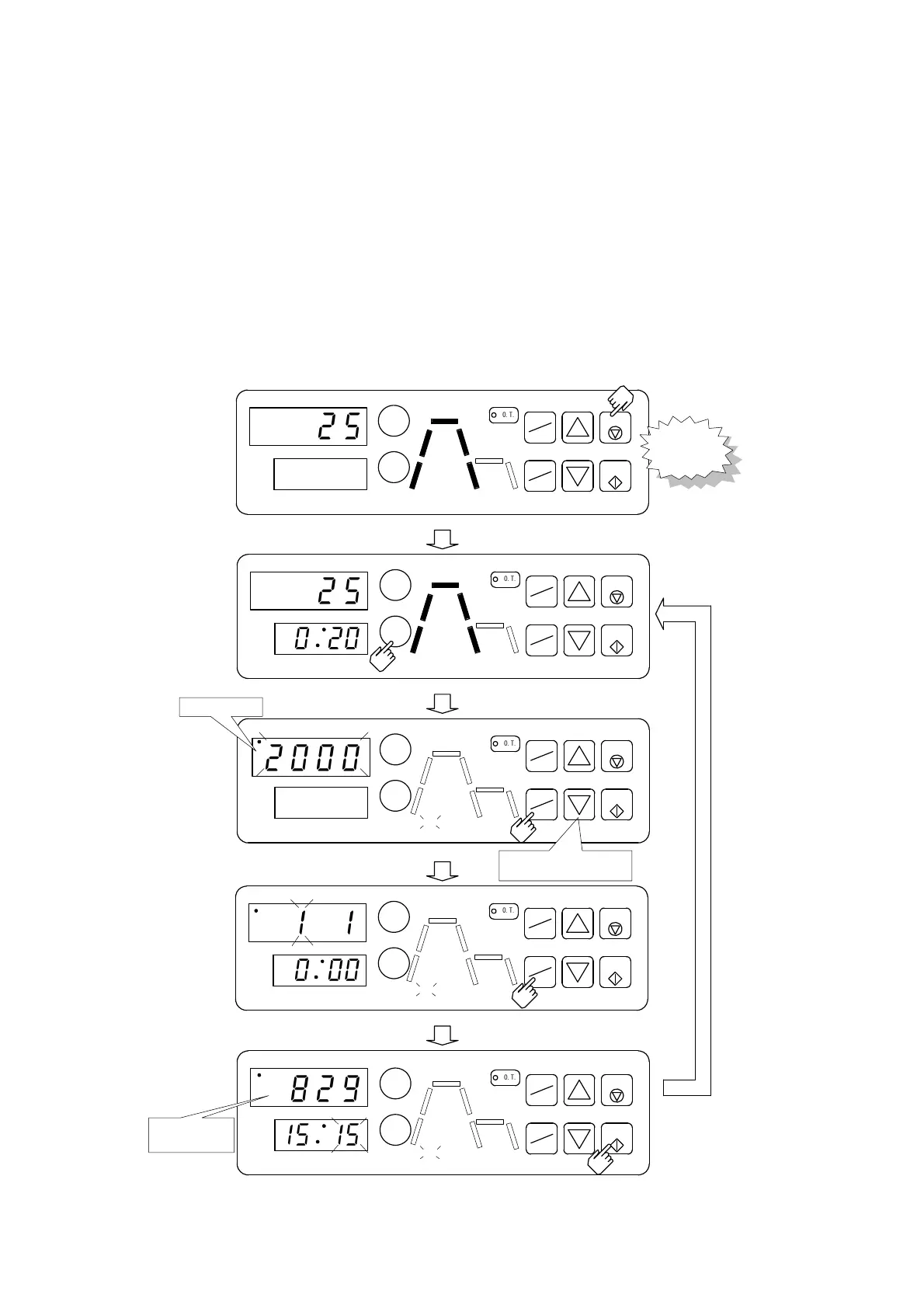
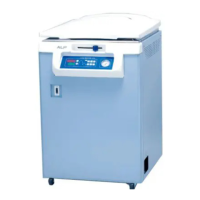
Autoclave has calendaring function. It’s necessary to set date and time as follows according
to the location.
5.13.1 Date and time setting
Local time has already been set. But this time data will be lost about one month of no
electrical power supply to autoclave. Then calendar is reset to Jan. 1st, 2000 A.D. 0:00. (Er6
indicated)
Set up current date and time as following procedure.
℃
℃
℃
℃
Press START TIMER KEY
for 5seconds.
To the mode of time
setting at present.
Change month,day,hour,and minute
by CHANGE▲▼ KEY.
Change year by
CHANGE▲▼ KEY.
℃
pi,pi,pi,
pi,pi・・・
August 29th
3:15 pm
2000 A.D.
MON DAY
HR MIN
EXHAUST
START
TIMER
START
STOP
O
.
T
.
TEMP
TIME
PATTERN
ENTER
MON DAY
HR MIN
EXHAUST
START
TIMER
START
STOP
O
.
T
.
TEMP
TIME
PATTERN
ENTER
READY
MON DAY
HR MIN
EXHAUST
START
TIMER
START
STOP
O
.
T
.
TEMP
TIME
PATTERN
ENTER
MON DAY
HR MIN
EXHAUST
START
TIMER
STERILIZE
START
STOP
O
.
T
.
TEMP
TIME
PATTERN
ENTER
HEAT
MON DAY
HR MIN
EXHAUST
START
TIMER
STERILIZE
START
STOP
O
.
T
.
TEMP
TIME
PATTERN
ENTER
HEAT
Press START KEY to fix date and time.
Press PATTERN/ENTER KEY
to fix the setting.
2
5
E
R
6
2
5
0
2
0
2
0
0
0
1
1
0
0
0
1
5
1
5
8
2
9
READY
READY



 To Next Page