17
CHANGE ICONS ON
HOME SCREEN
You can change the shortcut icons on the Home screen at
anytime.
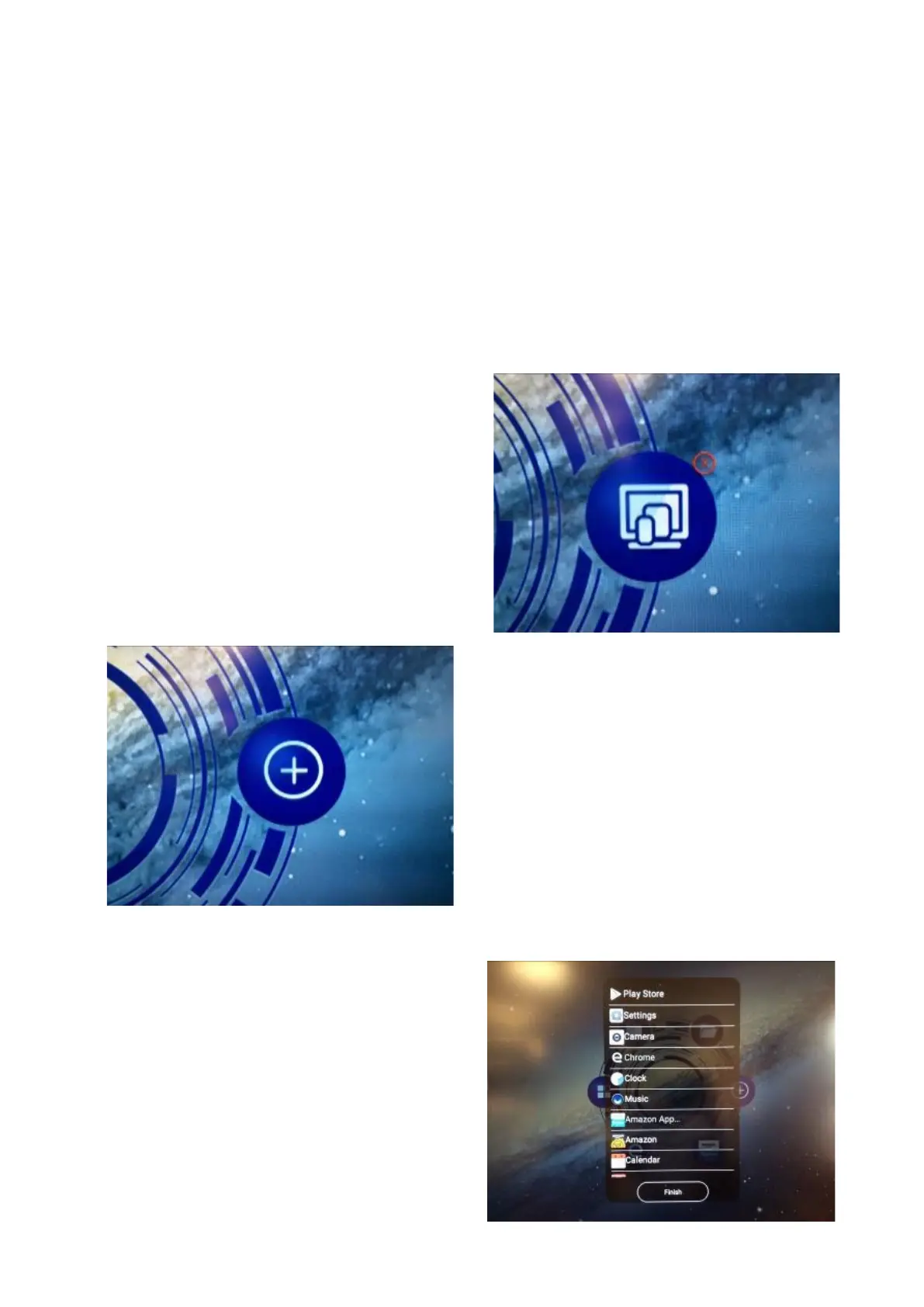
Hold your nger on the icon
you want to change/remove. A
cross will appear next to the
icon. If you click this cross, this
will delete the shortcut so you
can replace it.
Click this ‘plus’ icon to open a
list of the applications you can
select to put in this space.
Select your new shortcut
from this list and press
‘nish’. Your new app will
now appear as an icon on
the Home screen.



 To Next Page