4
POWERING ON & CHANGING
SOURCE
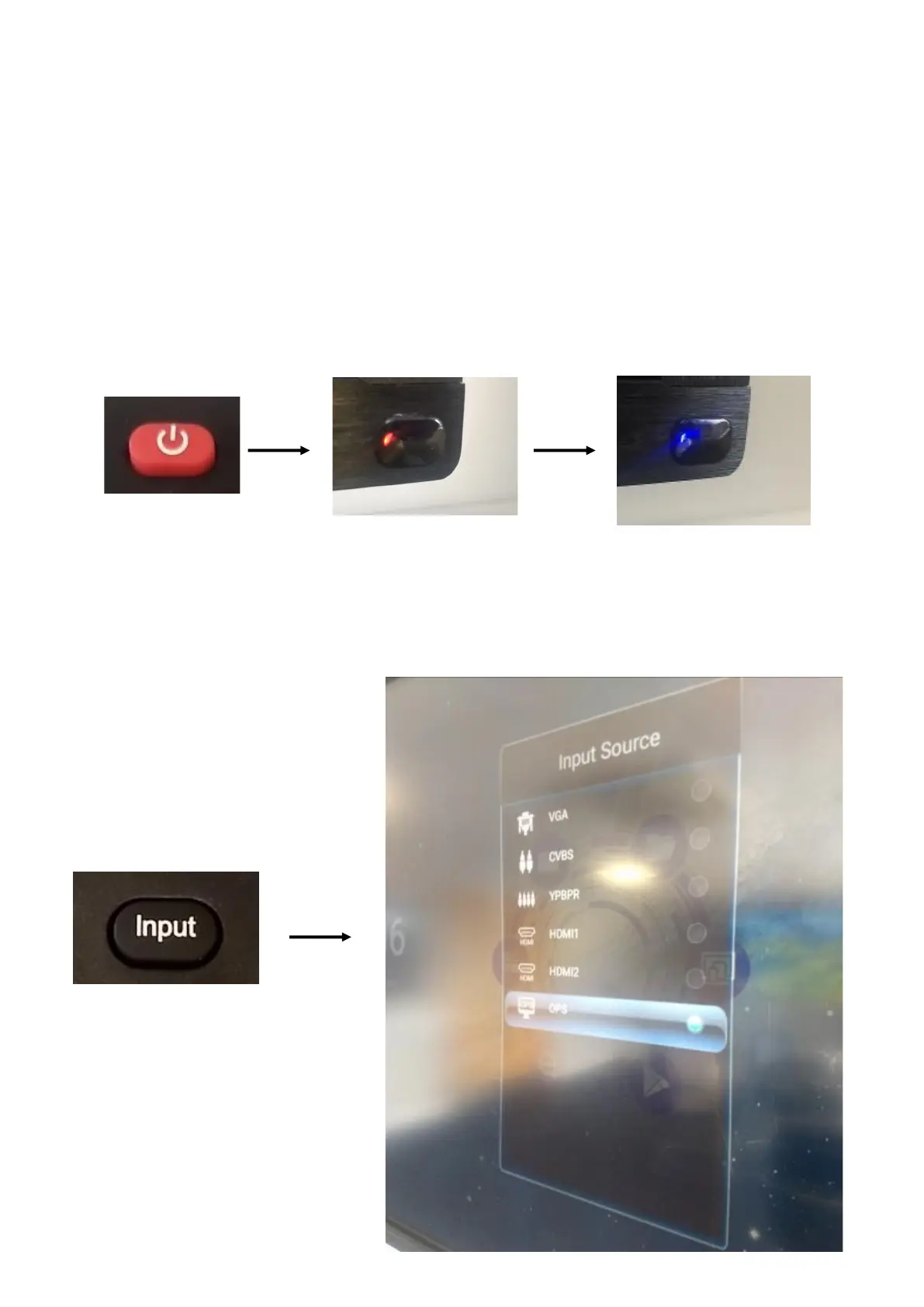
To turn the screen on, you just needs to press the red button on
the top left-hand side of the remote. This will change the red ‘stand
-by’ light to blue and the screen will power on.
To change the source, you click on the ‘input’ button on the remote
control, the source selection list will appear on the screen. You can
then select the source you need.



 To Next Page