18
SHORTCUT INTERFACE
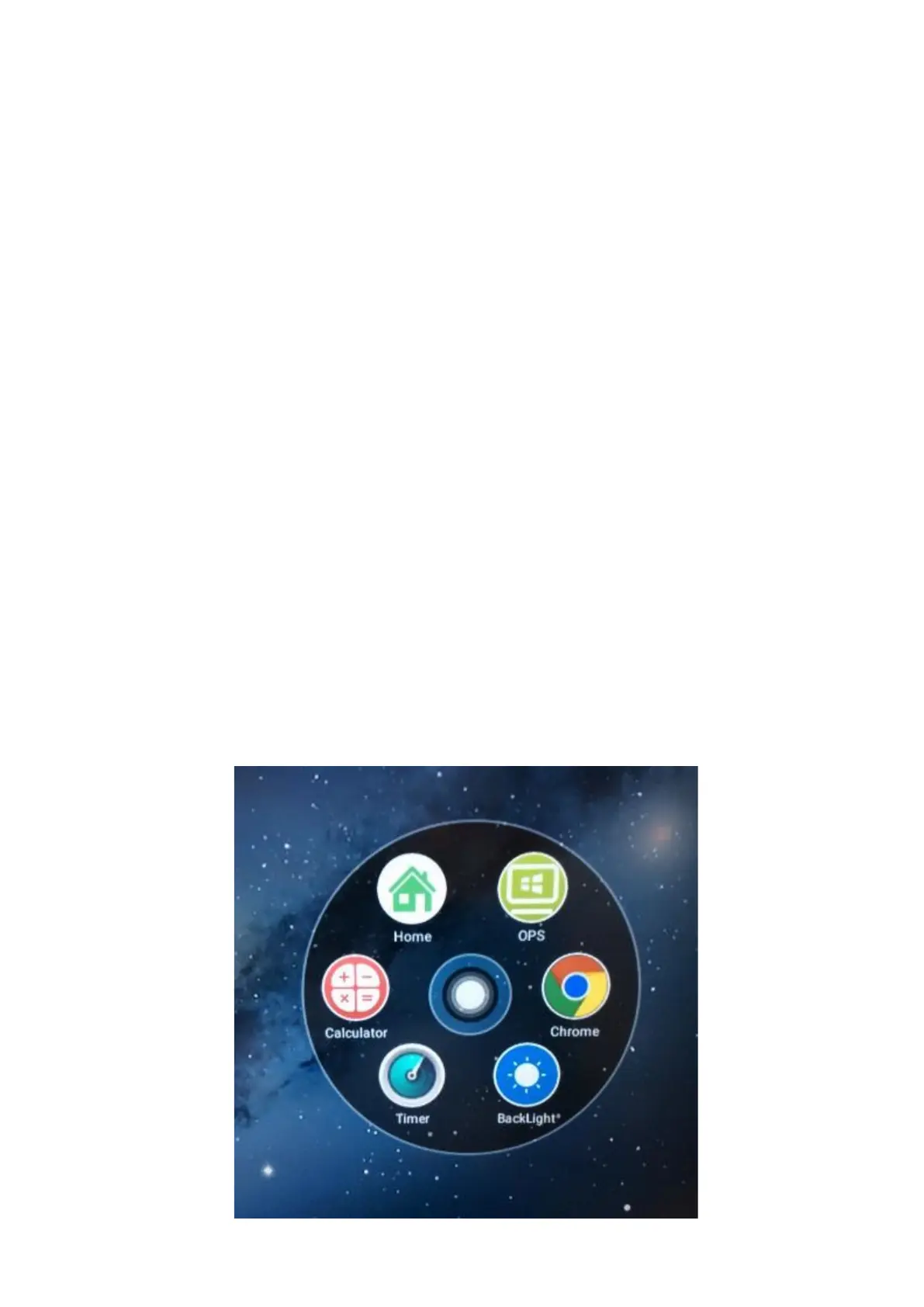
The shortcut interface is an easy way to access useful apps,
even when you are using an app already.
This dot will always be on your screen, even when you
are using an app.
If you click on this dot, it will bring up some shortcuts to
useful apps.
You can change these shortcuts at anytime. Simply, hold
your nger on the icon you want to change and a red
‘minus’ will appear. Click this to remove the shortcut icon.
A ‘plus’ icon will be in its place. Click on this ‘plus’ and se-
lect the app you want from the list and click ‘nish’. Your
new app will now be listed on the shortcut interface.



 To Next Page