3
HOME SCREEN
Welcome to your new Alpha Interactive Series 6 Touchscreen. This
guide will talk you through all the features and controls of the built
-in Android 6.0.0.
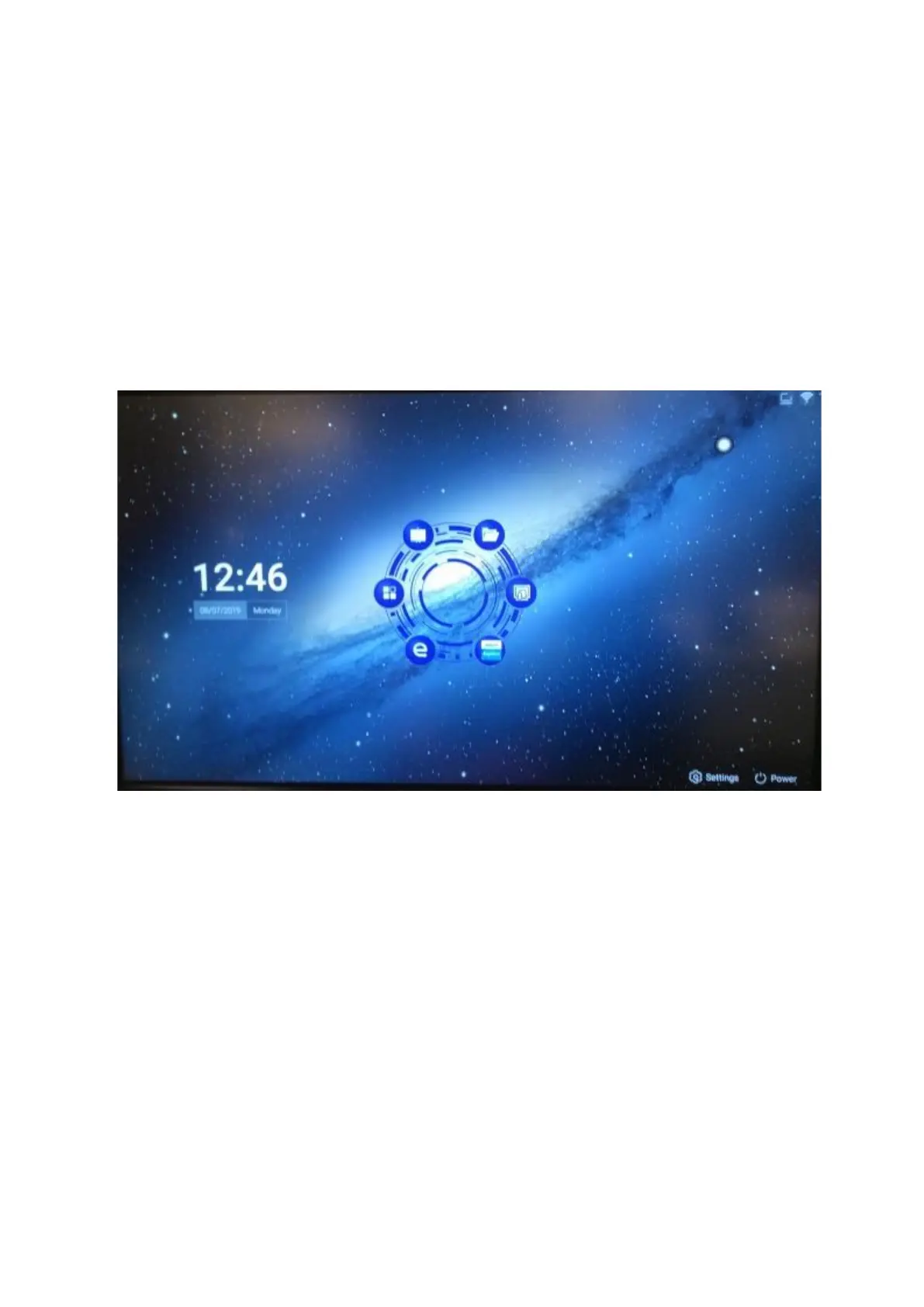
This is the Android Home Screen
From the Home screen, you can navigate to various functions.
From here, you can:
• Use the screen as a whiteboard
• View les with File Manager
• Cast your tablet or phone to the screen with EShare
• Purchase apps via the App Store
• Browse the web
• Access your downloaded apps



 To Next Page