8
SHORTCUT BAR
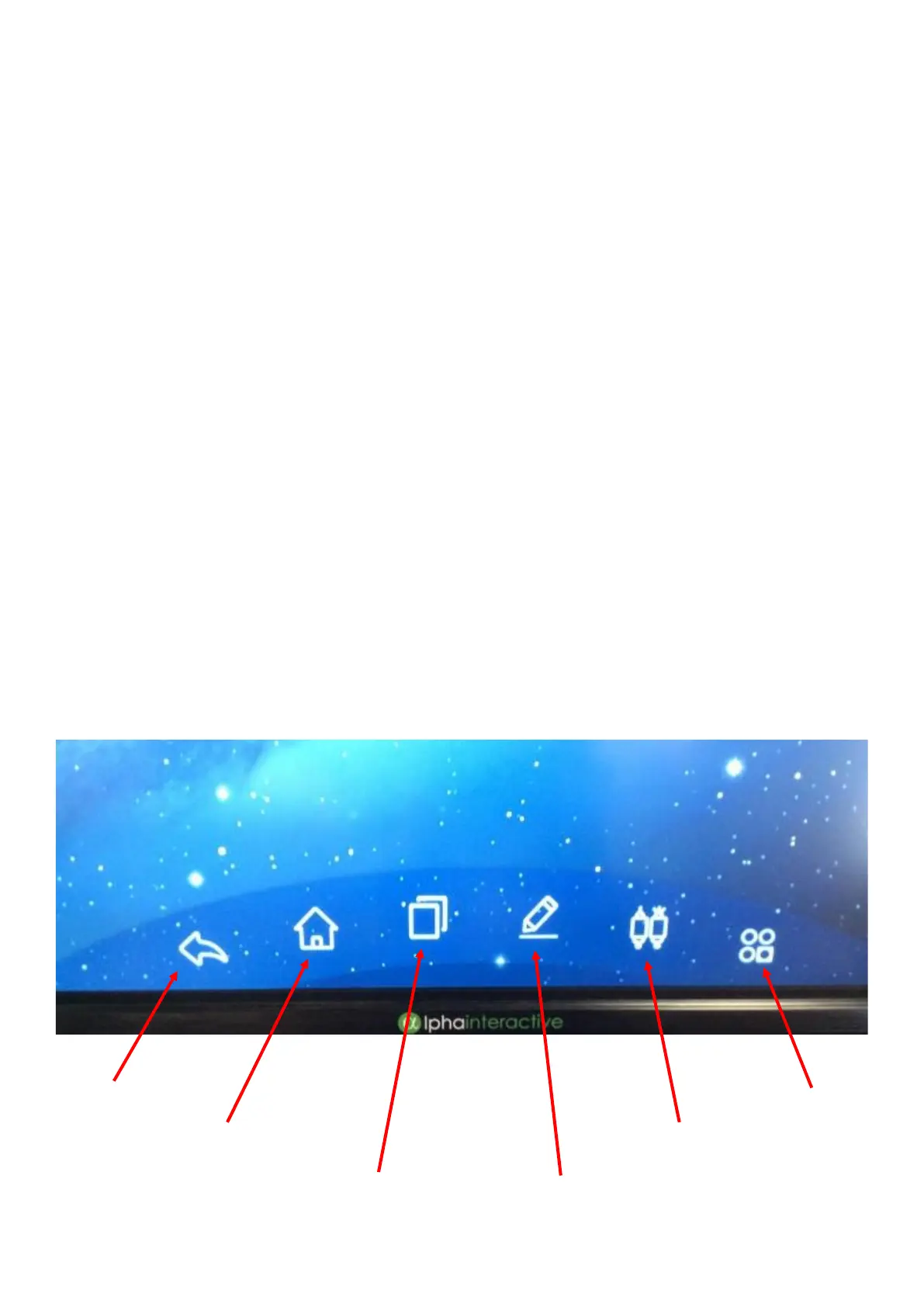
Swipe up from the bottom of the screen to access
the shortcut bar. You can access this when on any
screen or app on Android.
This shortcut bar will enable you to:
• Go ‘back’
• Go to the Home screen
• Multi-task by showing all apps you have open (like on
your mobile phone). This also gives you the ability to
clear all open apps.
• Annotate over the screen
• Access all inputs
• Access the screen settings
BACK
HOME
MULTI-TASK
ANNOTATE
INPUTS
SETTINGS



 To Next Page