6
SCREEN FREEZE
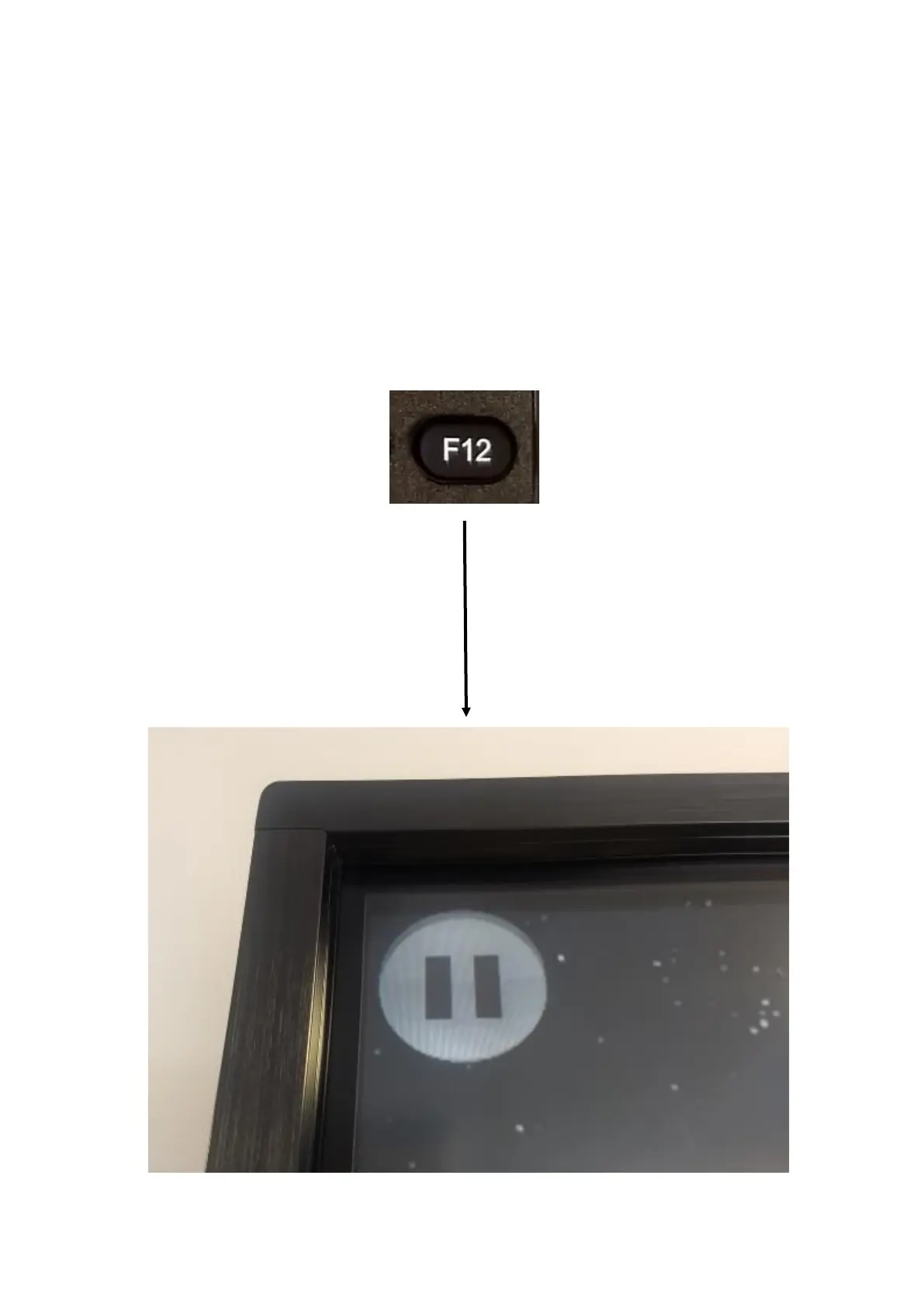
It’s often useful to be able to freeze the screen. To do this, simply
press the F12 button at the bottom of the remote. This will bring up
a ‘pause’ icon on the screen and you will not be able to press any-
thing on the screen until you have turned the ‘freeze’ o. To turn the
‘freeze’ o, press the F12 button once again and the ‘pause’ icon
will disappear and you will be able to touch the screen again.



 To Next Page