29
Alpha Pro Tec - Routine Servicing
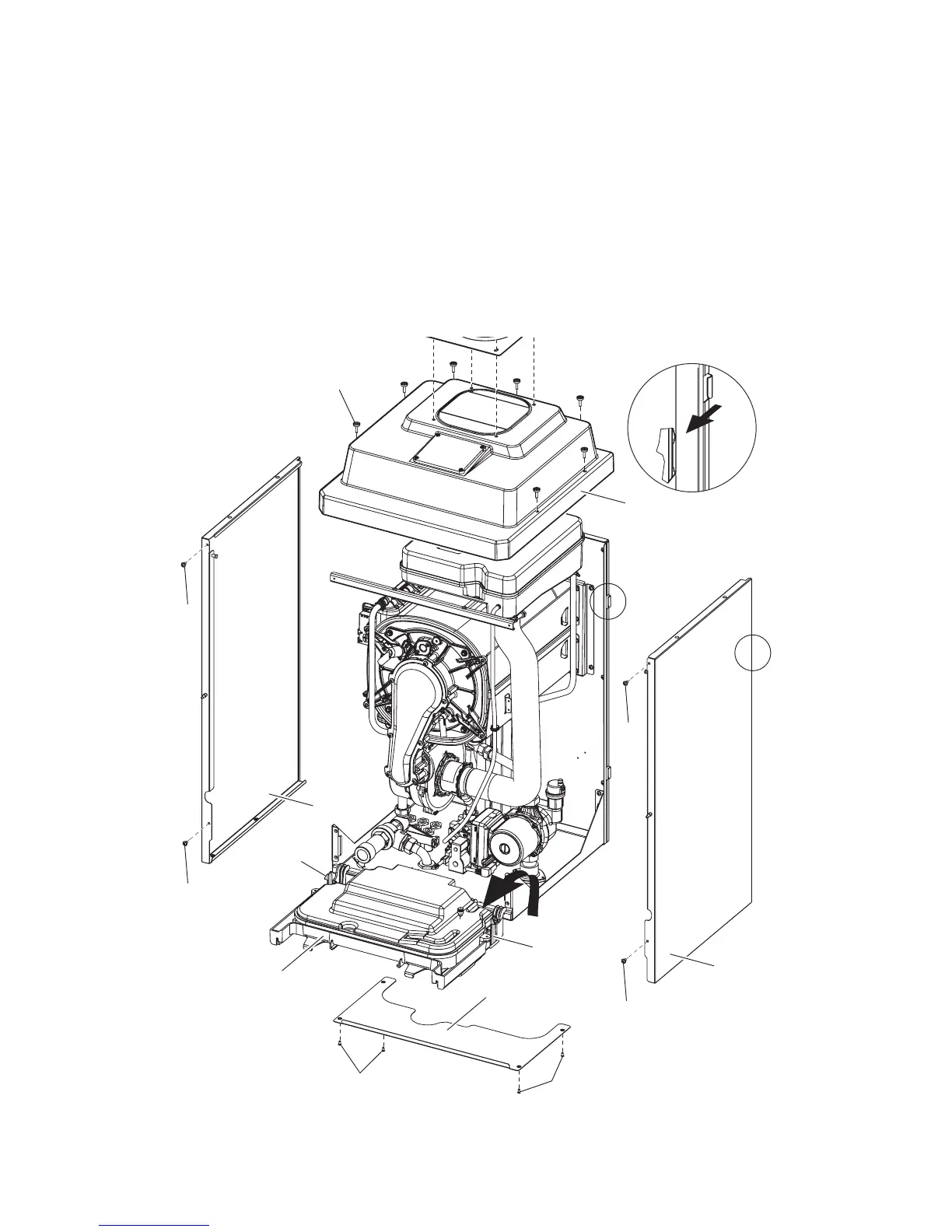
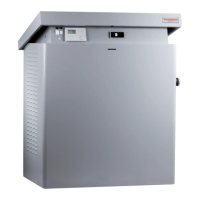
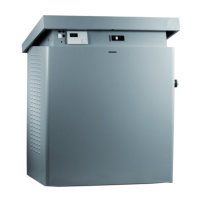
Fig. 6.1 (Pro Tec 50 shown)
6
6
7
9
10
10
11
12
13
13
14
14
14
14
A
A
View A
6.2 CASING REMOVAL - Figs. 4.11, 6.1
If required, the casing can be completely removed as follows:
1. Remove the case front panel as described in Section 4.7, paragraph 1.
2. Remove the two screws and washers (5) securing the sides of the control panel. Press the two side hooks (6) and tilt
the control panel (7) forwards.
3. Remove the bottom panel (9) by removing the four screws (10).
4. If necessary, you can remove the top cover (11) and side panels (13)
Loosen the seven screws (12) securing the top cover (11).
Remove the two screws (14) securing the side panel (13). Lift the side panel and pull it forwards unhooking it from the
rear panel (view 'A' in Fig. 6.1) Lower the panel out and away from the top cover.
Note: If only the front panel is to be removed, remove as described in Section 4.7, paragraph 1.



 To Next Page