27
OPERATION
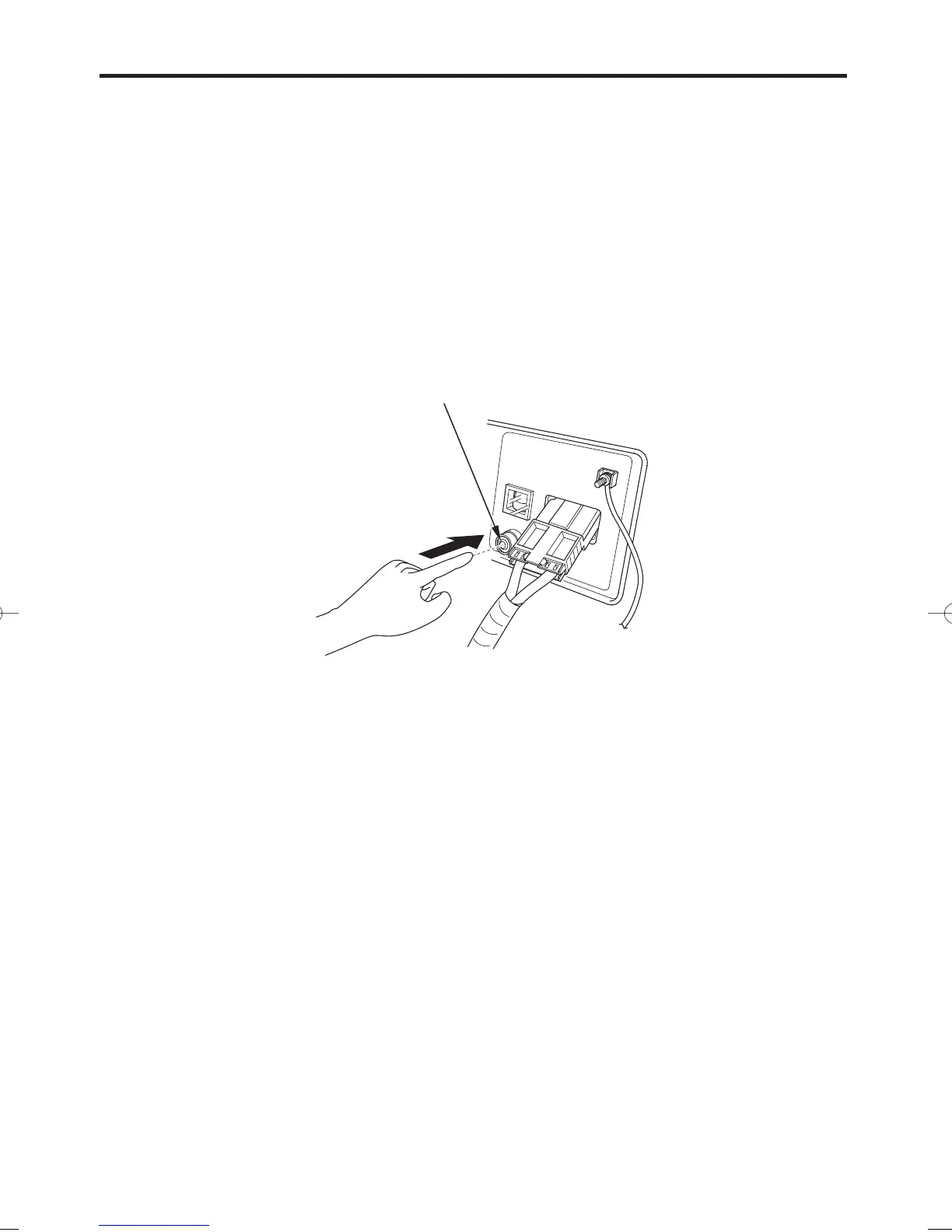
OUTPUT SWITCH
Operation:
Verify that the overload indicator (red) is flashing.
Press the output switch for 5 seconds, the overload indicator (red)
will go off.
Release your finger from the switch.
If step 3 is not carried out within 5 seconds, the overload indicator
(red) will start to flash again.
Press the output switch for 5 seconds once again.
The output indicator (green) will go ON and forced output starts to
work.
You cannot use forced output with protection function after using the
stop output function in normal operation. Stop and restart the engine
to reset the generator.
1.
2.
3.
04/10/12 11:50:19 31ZS9700_028


 To Next Page