15
English
Basic Operation
1
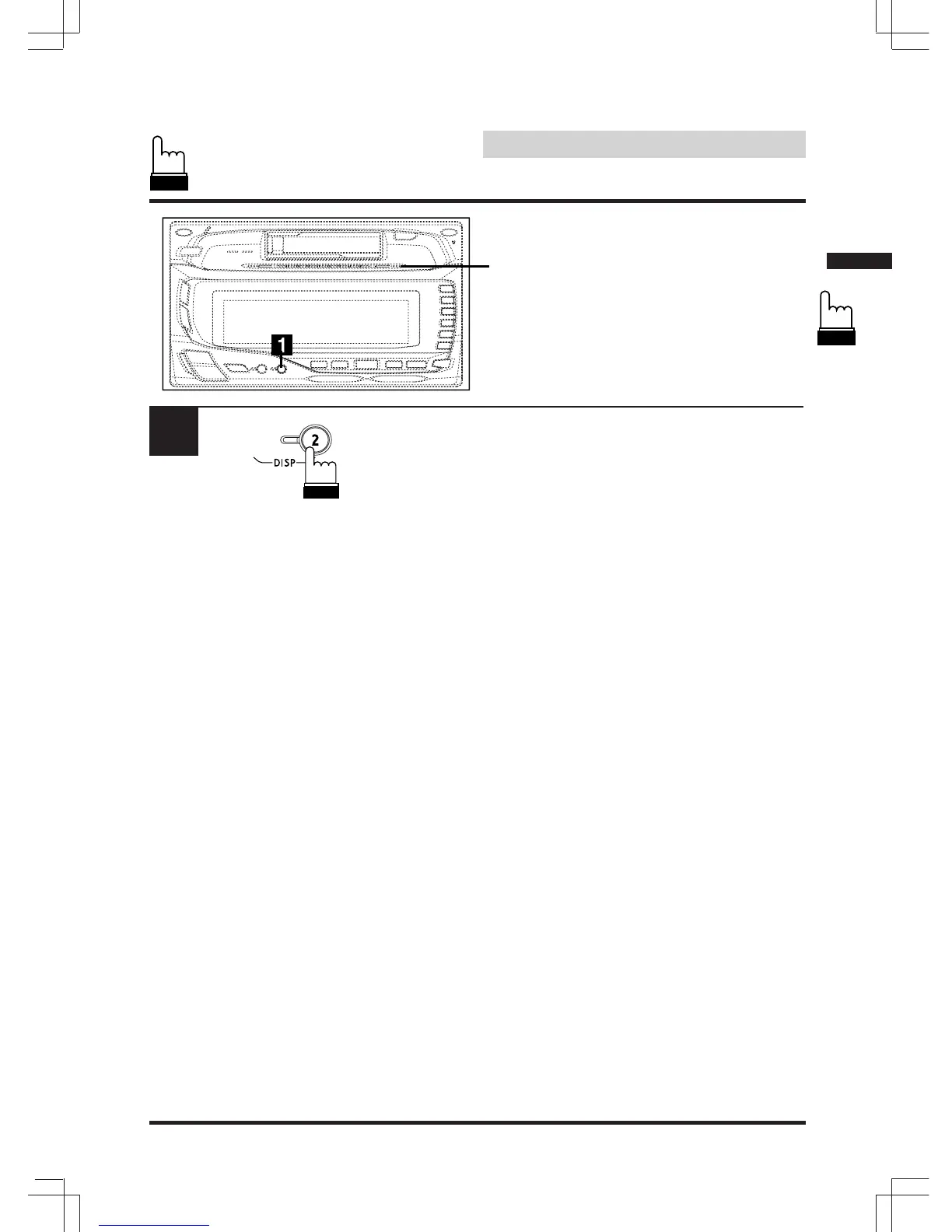
Level Indicator
Level Indicator Display
Pattern Switching
Press and hold the DISP2 button for at least 2
seconds.
Each press of the button changes the display
pattern.
Indicator 1 The indicators will flash outward
from the center following the audio
levels.
Indicator 2 The indicators will flash outward
from the center regardless of the
audio levels.
Indicator 3 All the indicators flash according to
the audio levels.
Note: There is no display indication for the
selected mode. confirm the display
pattern by viewing the level indicator.


 To Next Page