34-EN
System Example
Caution!
When “Bitstream” is selected, there will be no HDMI audio output from DVE-5300. For details, refer to “Setting the Digital Output” (page 22).
• Also refer to the operating instructions of the other products in the system.
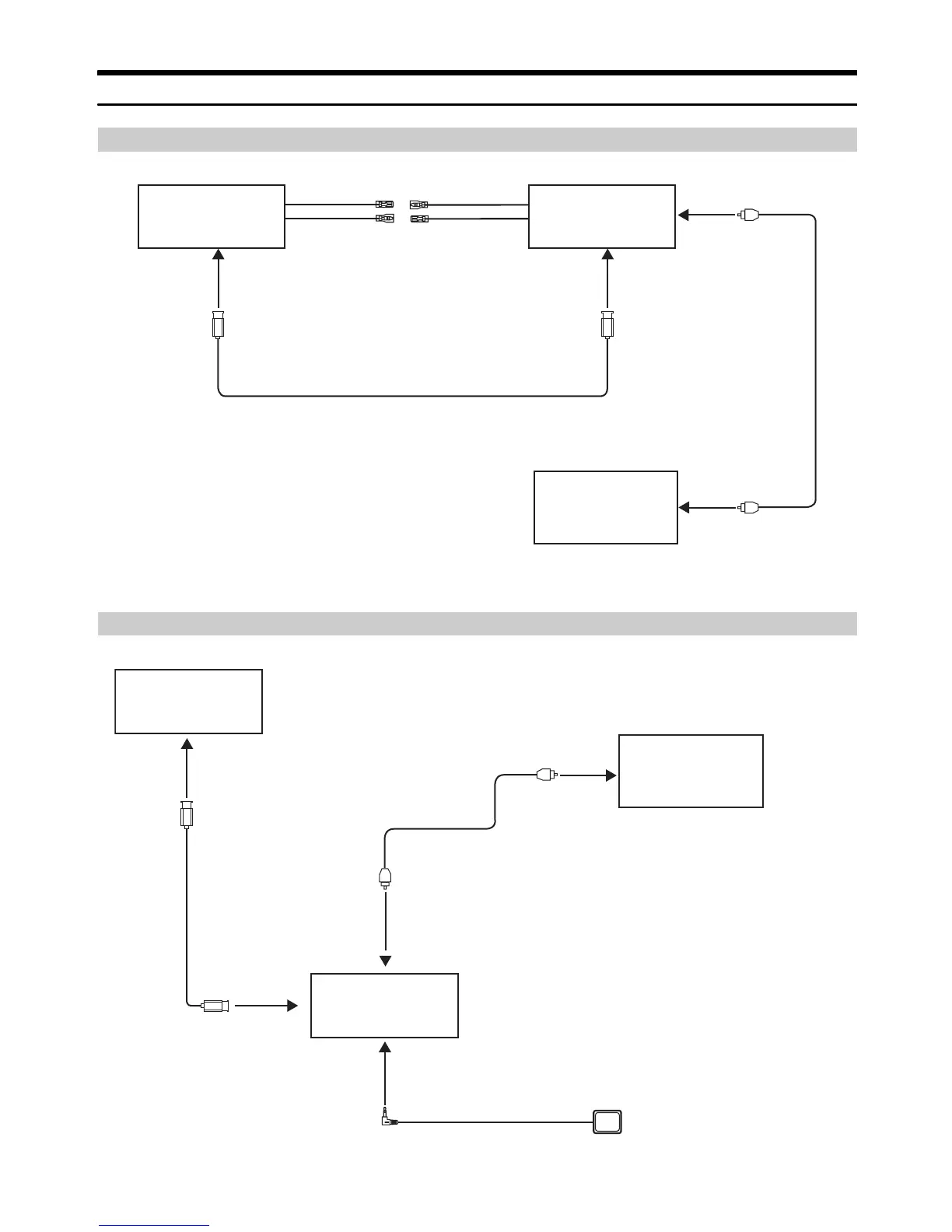
Connecting an ALPINE main unit, Digital Audio Processor (PXA-H800, etc.)
Connecting an HDMI compatible Monitor, Digital Audio Processor (PXA-H800, etc.)
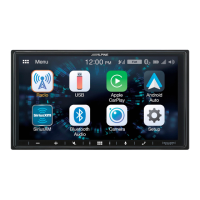
ALPINE main unit
(Sold Separately)
HDMI Input Connector
Digital Input
Terminal (Optical)
(for DVD Player)
Digital Audio Processor
PXA-H800 etc.
(Sold Separately)
Fiber Optic Cable
(Sold separately)
Remote Control
input lead
Remote Control
Output lead
Remote Control
Output lead
Remote Control
Input lead
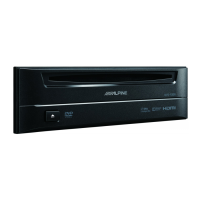
DVD Player
DVE-5300
HDMI Output Connector
Digital OutputTerminal
(Optical)
HDMI-Extension Cable (Included with DVE-5300)
ALPINE Monitor with HDMI
(Sold Separately)
Fiber Optic Cable
(Sold separately)
DVD Player
DVE-5300
HDMI Output
Connector
Remote Control Eye Jack
Digital Input
Terminal (Optical)
(for DVD Player)
Digital Audio Processor
PXA-H800 etc
(Sold Separately)
HDMI Input Connector
Remote Control Eye (Included)
HDMI-Extension Cable
(Included with DVE-5300)
Digital Output
Terminal (Optical)





 To Next Page