9
EN
Using presets
You can save up to 30 of your favourite digital stations in a presets list for easy access. By default some of
our favourite partner stations appear as the fi rst few presets. You can replace these if you want.
Saving presets
1. Tune to one of your favourite stations.
2. Press the
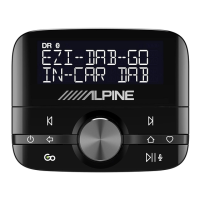
button on top of the controller.
3. Turn the Select knob to browse through your presets list and select where you want to save your
favourite.
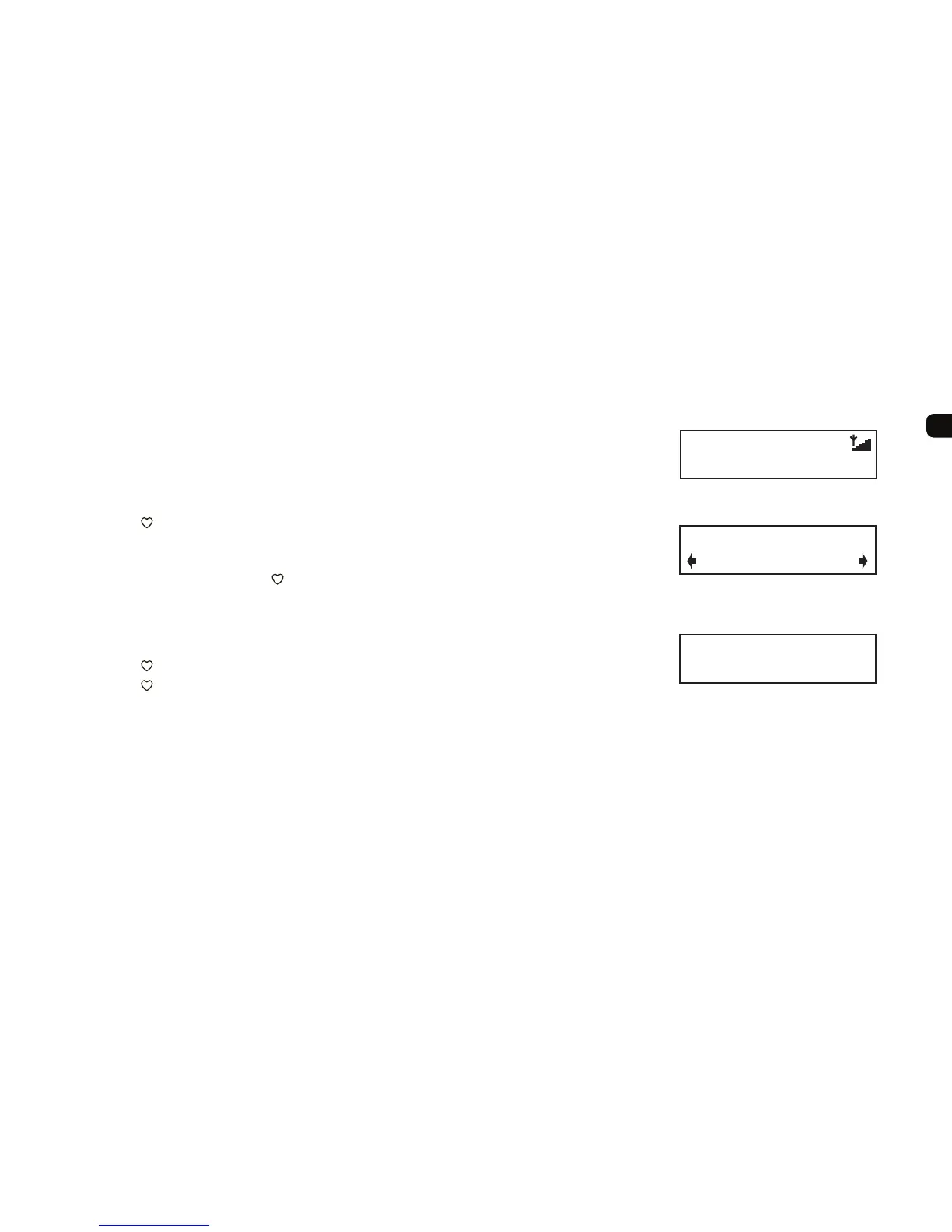
4. Press and hold the Select knob or button down to save the current station to that position on the
list. Previous presets can be overwritten. You see ‘Preset saved’ on screen when the preset has been
saved.
Selecting presets
1. Press the button.
2. Press the
button again to step through the presets list until you see the one you want then wait for
a few seconds to tune to that preset or turn the Select knob to browse through your presets list and
push the Select knob to select one.
BFBS Radio
dedications to and from
Tune to your favourite station
Preset 01
Smooth Radio UK
Browsing your presets list
Preset saved
Your preset has been saved



 To Next Page