5
EN
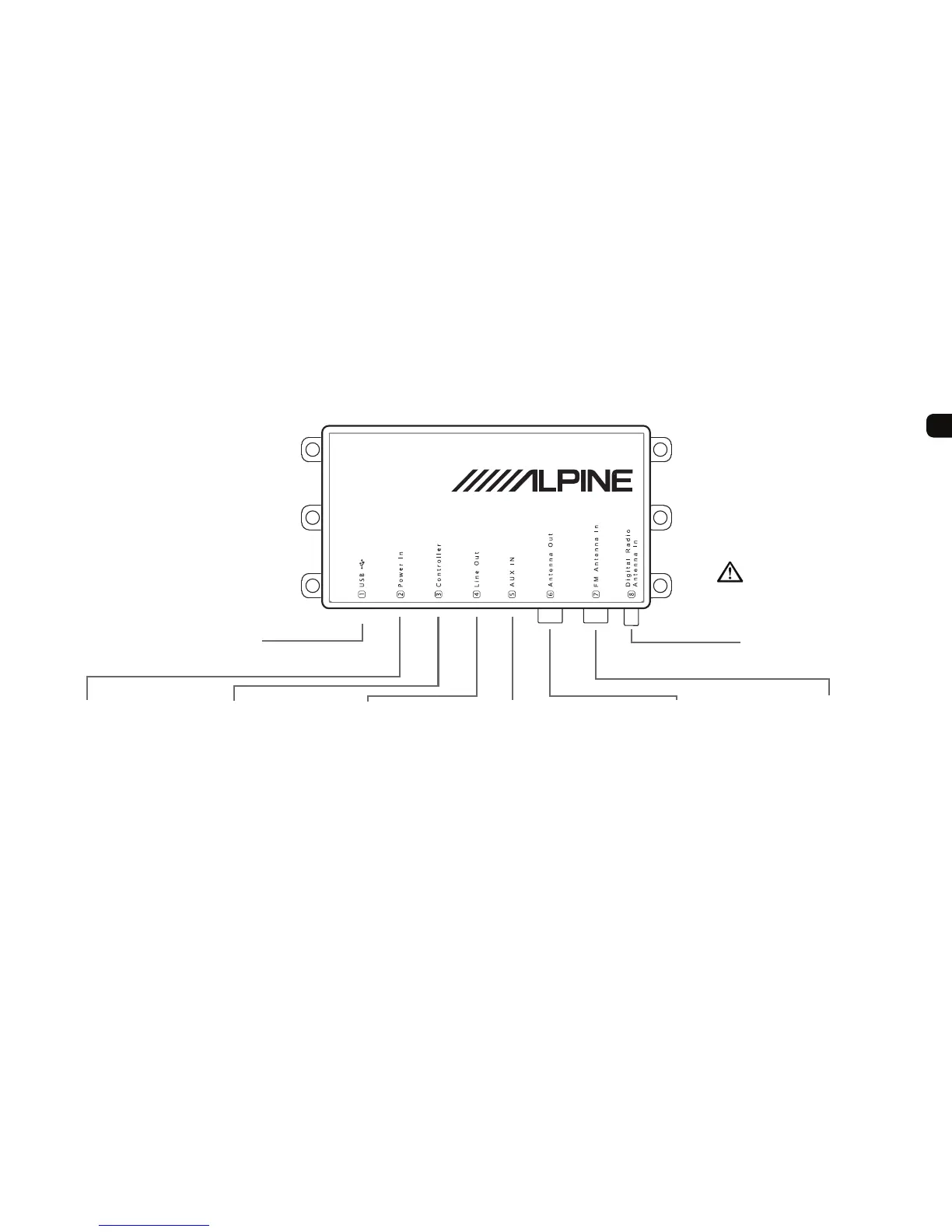
Main unit (Interface)
The EZi-DAB main unit is usually installed
out of sight, so you may only see cable
extensions enabling you to connect to the
AUX IN and USB sockets.
1 USB
Usually connected to the
supplied USB extension
cable. Connect your iPod
or USB media player to the
extension (or directly) for
playback and charging. Also
used for USB memory stick
software updates.
2 Power In
Connected to your car
ignition 12V power
supply.
3 Controller
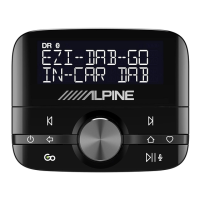
Connected to the
EZi-DAB controller.
4 Line Out (3.5mm)
Audio out (could be
connected to your Head
Unit‘s AUX IN).
5 AUX IN (3.5mm)
Audio in from any
auxiliary audio device.
6 Antenna Out
Connects to the FM
antenna input on your
Head Unit if using FM
direct inject.
7 FM Antenna In
Connects to your
existing FM car antenna
if using FM direct inject.
8 Digital Radio Antenna In
Connected to your EZi-DAB
digital radio antenna.
Please make sure ONLY
to connect a dedicated
5V phantom supplied
antenna. Failure to do so
may result in the device
becoming defect.



 To Next Page