11
EN
Shuffle and repeat options
Press the button, select Settings and choose one of the following options:
Shuffle
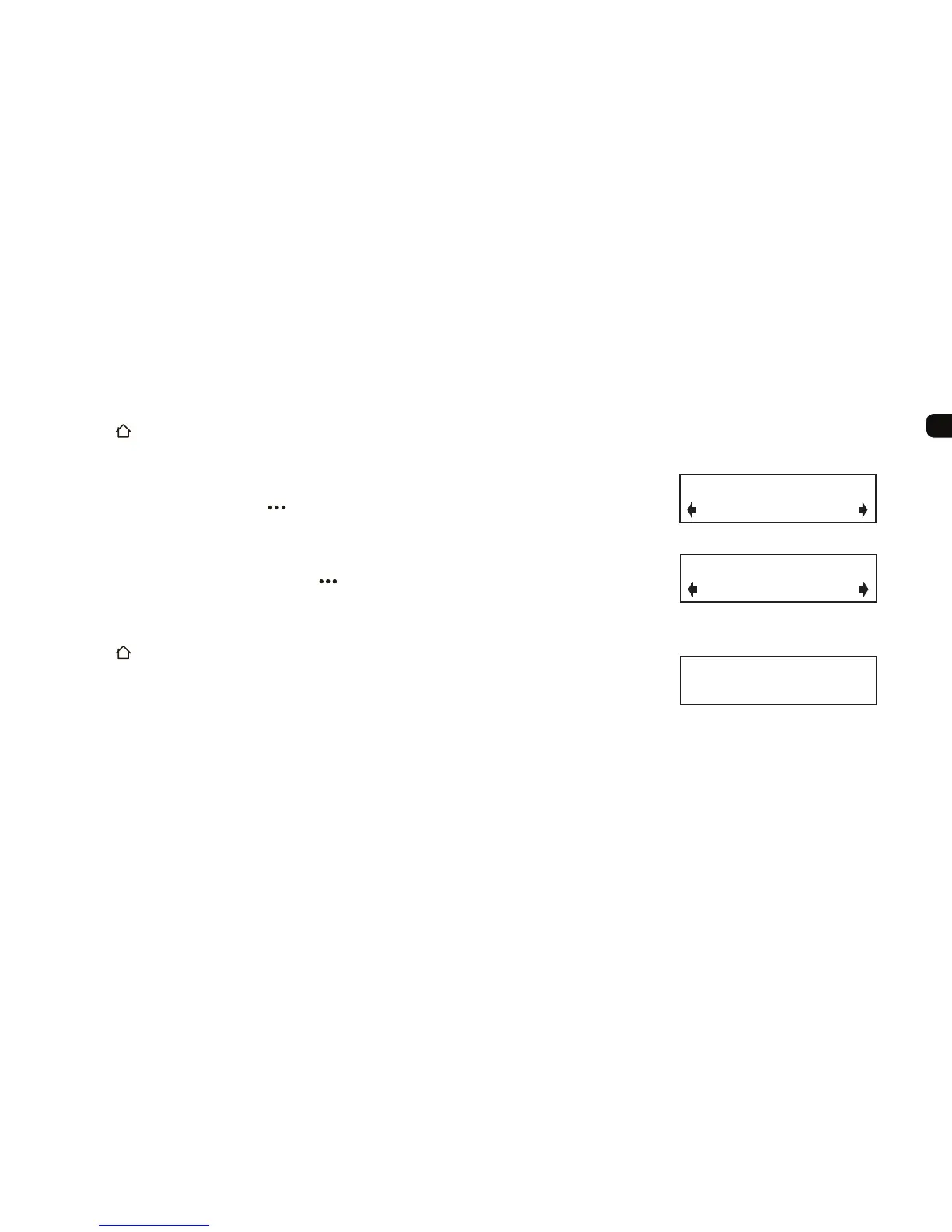
For Apple devices choose Tracks, Albums or Off, for USB devices choose On or Off.
Note: Alternatively you can press the
button to cycle through Shuffl e states.
Repeat
Choose Track, All or Off.
Note: Alternatively you can press and hold the button, then press again to cycle through Repeat
states.
Changing the information on the display
Press the button, select Settings > Info display and select one of the following options:
Track name Full height track name (scrolls if necessary)
Track and artist Information on the selected track
Track time Track name with time into track and time remaining
Note: Apple devices which draw more than 500mA when charging such as iPad will charge more
quickly if iPod source is selected on EZi-DAB.
Off
Track
Track repeat options
Green Onions
Full height track name option
Off
On
USB track shuffl e options



 To Next Page