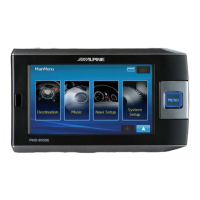
NVE-M300P Navigation Module Owner’s Manual
44
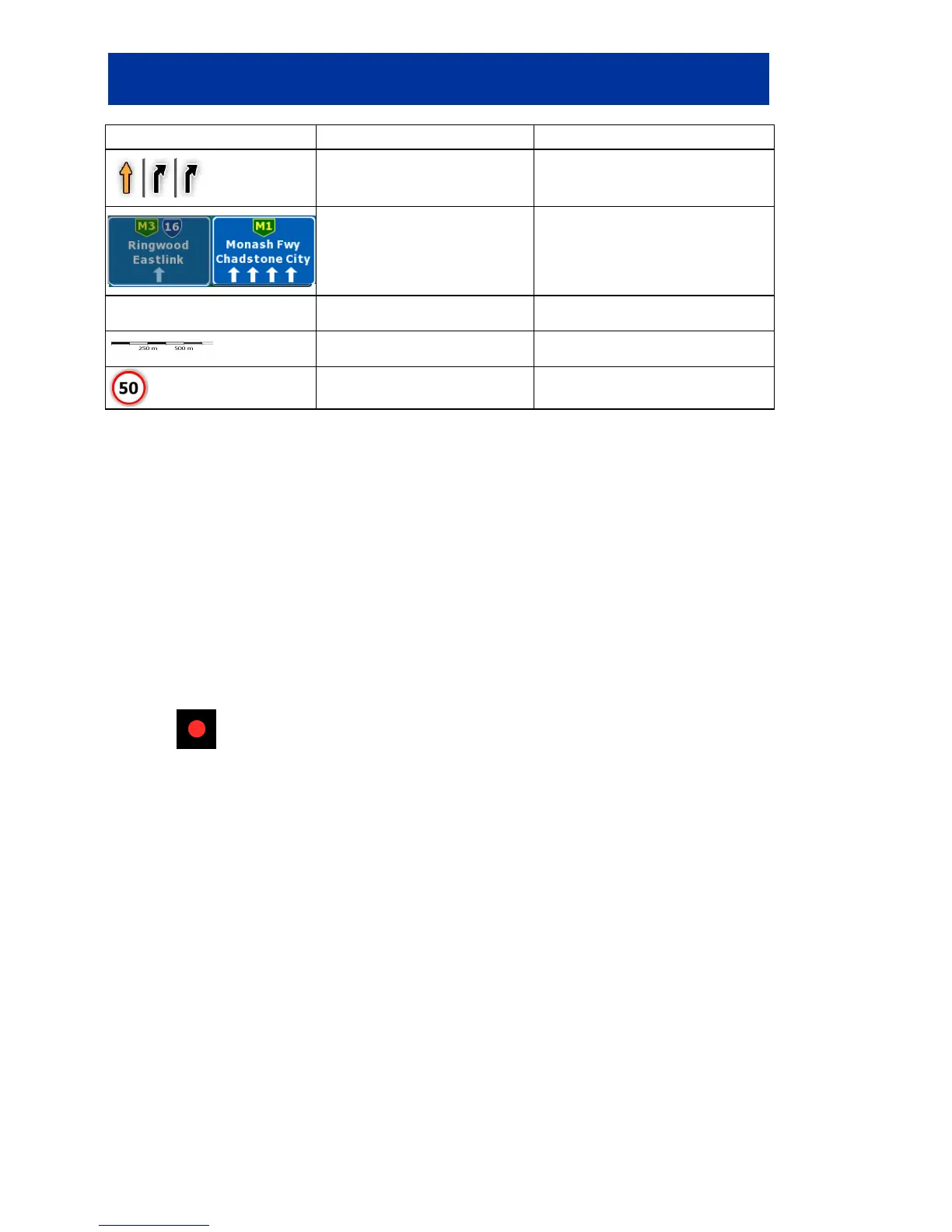
Symbol Name Action
Lane information
n/a
Signpost information
n/a
Orange line Active route n/a
Map scale (2D map only) n/a
Speed limit n/a
8.1.1 Icons on the map
There are several status icons on the map. Most of them also function as a button. The information
they provide is as follows:
• GPS position quality
• Track log recording status
• TMC reception and processing status
8.1.1.1 GPS position quality and Track log indicator
This area is a multiple status indicator, and also acts as a button that opens the GPS Data screen.
A red dot (
) is displayed in this field if a Track log is being recorded.


 To Next Page